Driver lookup, in the Race day group of the track menu, finds recent results from a driver code (RL-XXXX-XXXX, on the card the track gave you) or a transponder number. It is the quick way to check your last few races at the track. Some tracks print QR codes that open it with your number filled in.
Before you start
- Your driver code or transponder number.
Step by step
- 1
Open Driver lookup
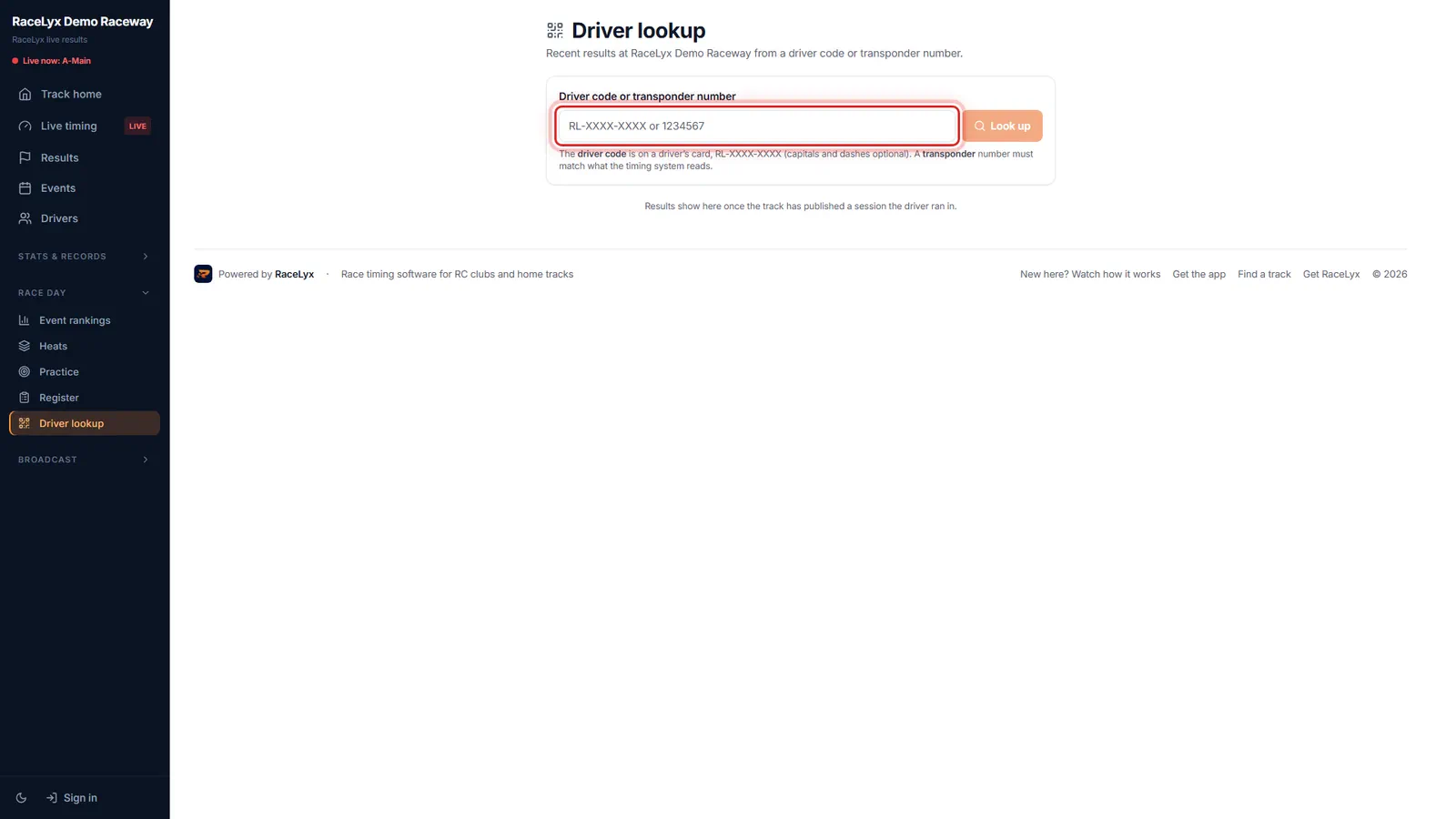
On your track's page, open Race day, then Driver lookup.
Driver lookup: recent results at this track from a driver code or transponder number.
- 2
Type your number
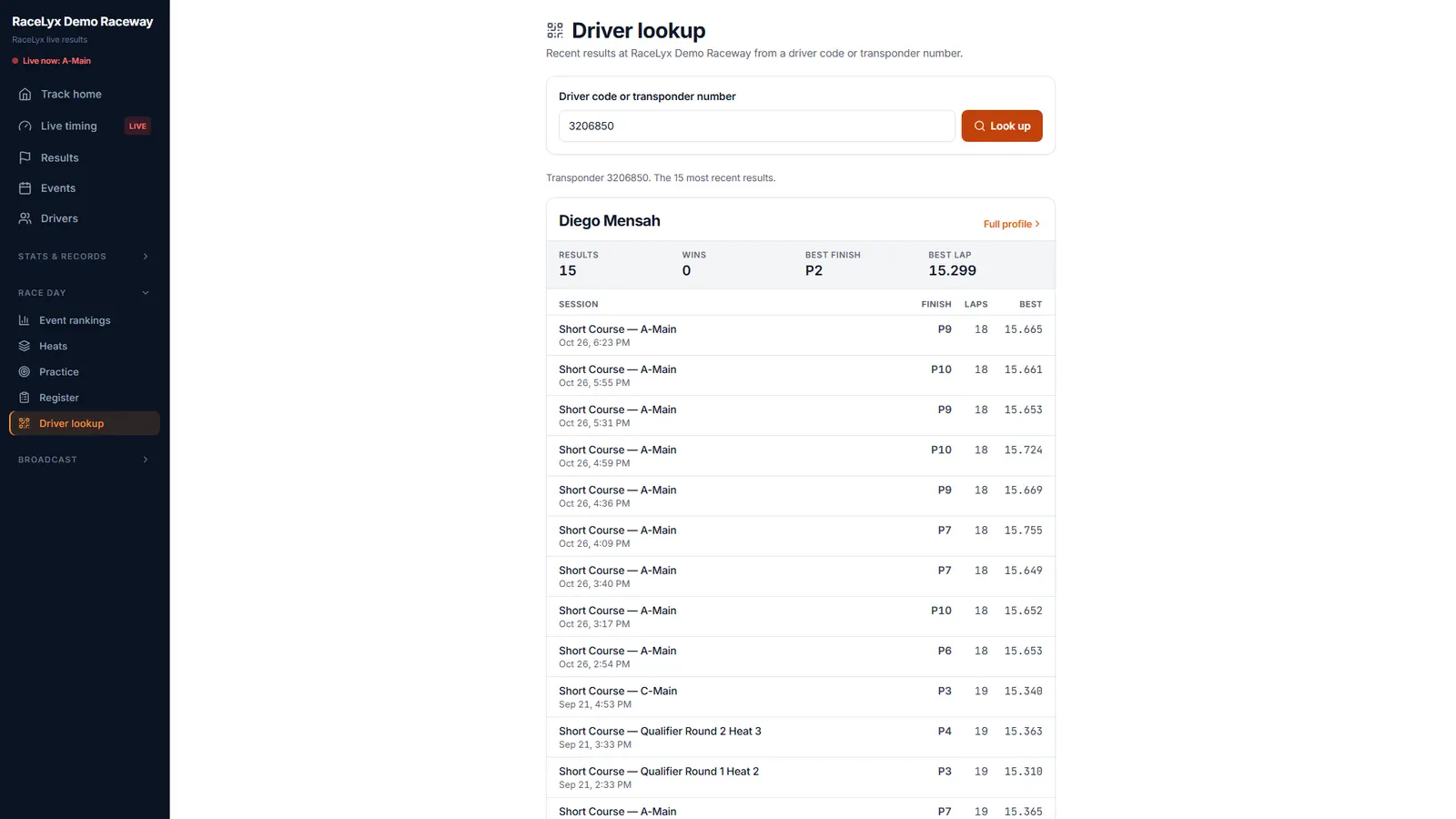
Type your driver code or transponder number, and click Look up.
A driver code looks like RL-7K4M-93QD; capitals and dashes are optional. A transponder number must match what the timing system reads.
- 3
Your recent results
Your most recent results, newest first: each session's finish, laps and best lap.
The top shows Results, Wins, Best finish and Best lap. Your best lap in the list is in bold. When the driver is known, Full profile opens their page at the track.
Tips
- Capitals and dashes in a driver code are optional.
- The transponder number must match what the timing system reads, usually the number printed on it.
- Shared a transponder? Each driver who used it gets their own results.
- Full profile opens the driver's page at the track when the driver is known.
Troubleshooting
- "No results for ..."
- Check the code on your card, or the number on your transponder. Results only show once the track has published a session you ran in. Typed a name? Drivers whose name matches are listed under it.
Related guides
Something here does not match what you see? Tell us and we will fix the guide.