Streaming & OBS
Stream your races without a second machine
12 OBS overlay themes, a designer for building your own, auto-scene switching, automated race announcing, and YouTube/Twitch embedding. Run your whole broadcast from RaceLyx and OBS.
Overlay Designer
Build your own stream overlay
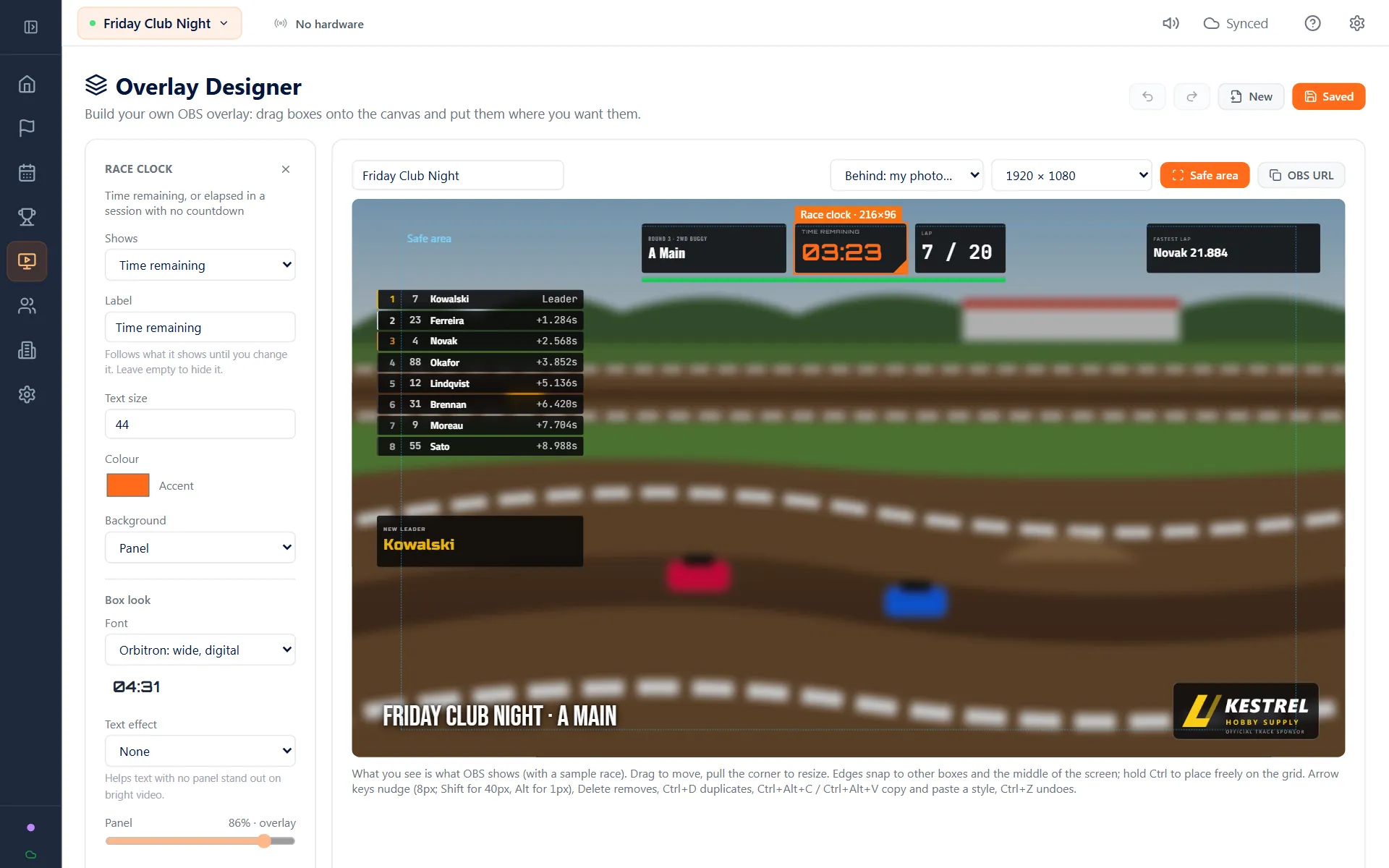
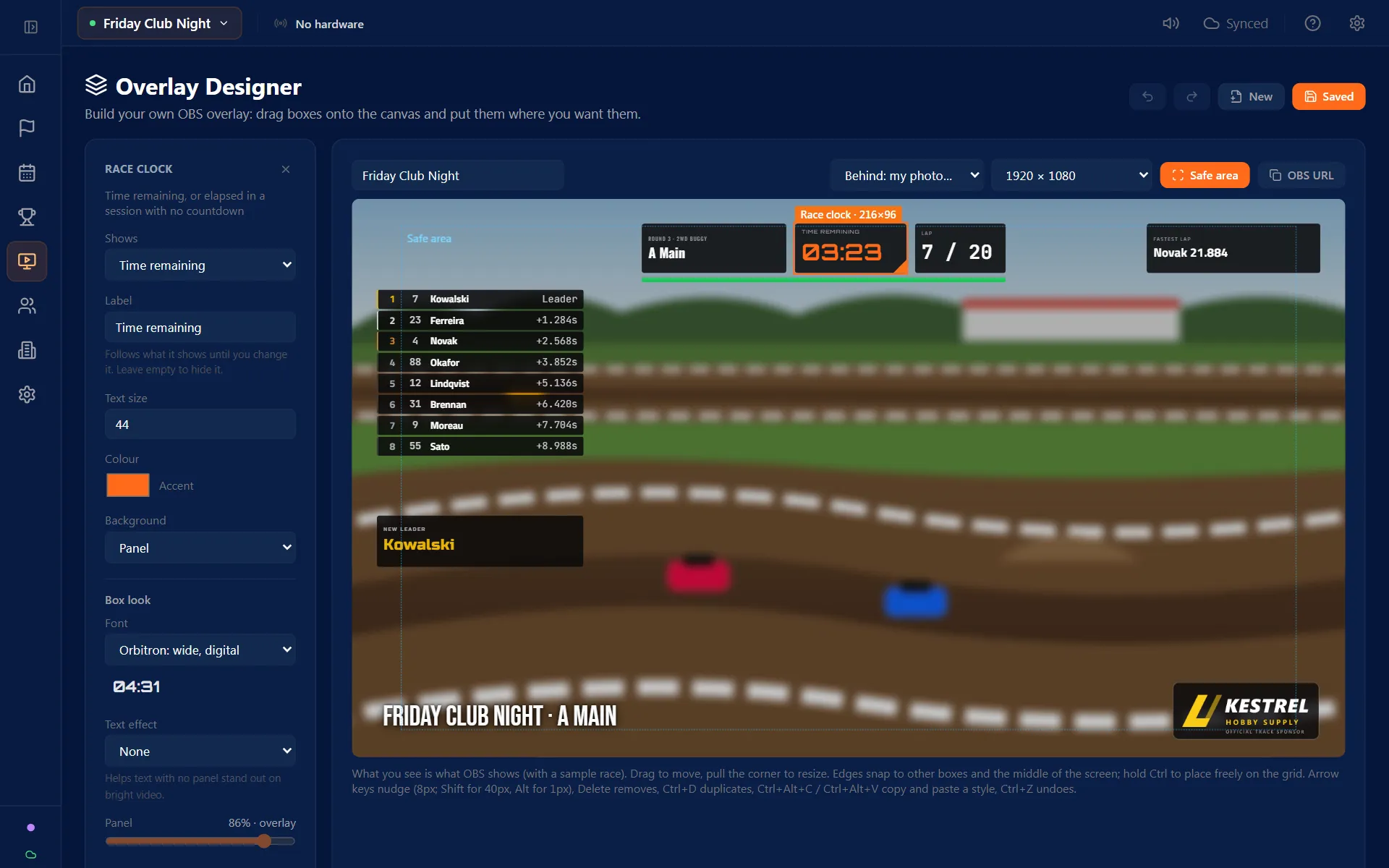
The twelve built-in overlays cover most streams. When you want your own, lay it out yourself: pick the boxes, put them where you want them, and style them to match your track. Save it and paste the link into OBS.

Drag in what you want
Leaderboard, a single position, race clock, lap counter, session name, fastest lap, flag bar, your own text, and images like sponsor logos. Drop a box on the canvas and drag it where you want it.
What you see is what OBS shows
The canvas draws your overlay with the same code OBS loads, over a sample race, so there is no guessing what it will look like on the stream.
Make it look like your track
Pick from 13 fonts, set your colour, and choose how solid and how rounded the panels are. Each box can have its own font, a shadow or an outline, or no panel at all so the text sits on the video.
Popups for the big moments
A popup when the lead changes hands, and one when a car is knocked out of a Don't get lapped race.
Snap, layers, safe area
Boxes snap into line with each other, a safe-area guide keeps them off the edges, and a layers list lets you hide or lock a box. Copy one box's style and paste it onto another.
Any stream size
1080p, 720p, 1440p, or 1080 by 1920 for a vertical phone stream.
Edit it mid-meeting
Saving keeps the overlay's link the same, so OBS picks up your change without touching the Browser Source.
Saved with your track
Save a style as a Look and it is kept with your track's RaceLyx account, so it is there on the club's other PC too.
12 Overlay Themes
Twelve overlay themes
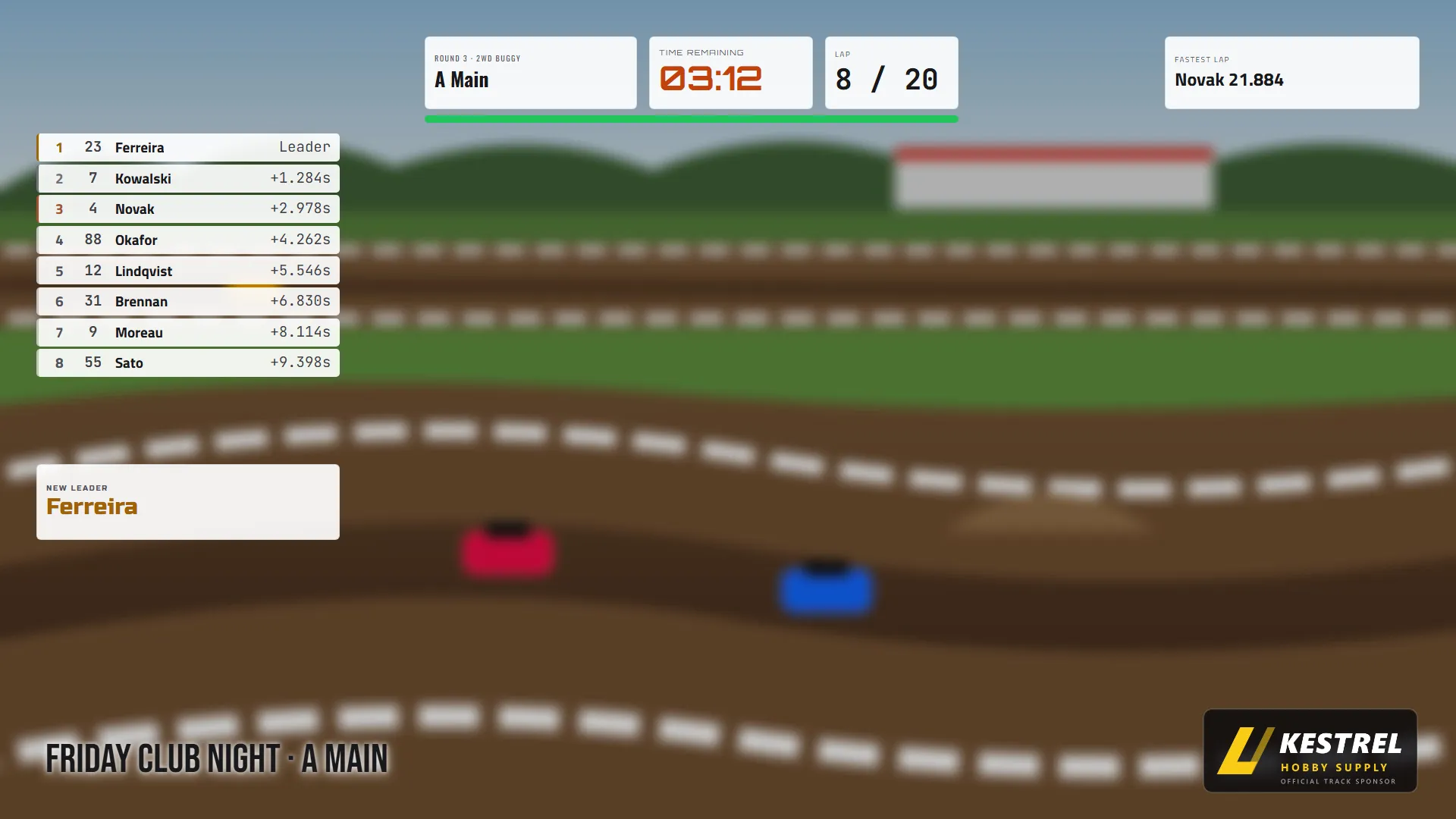
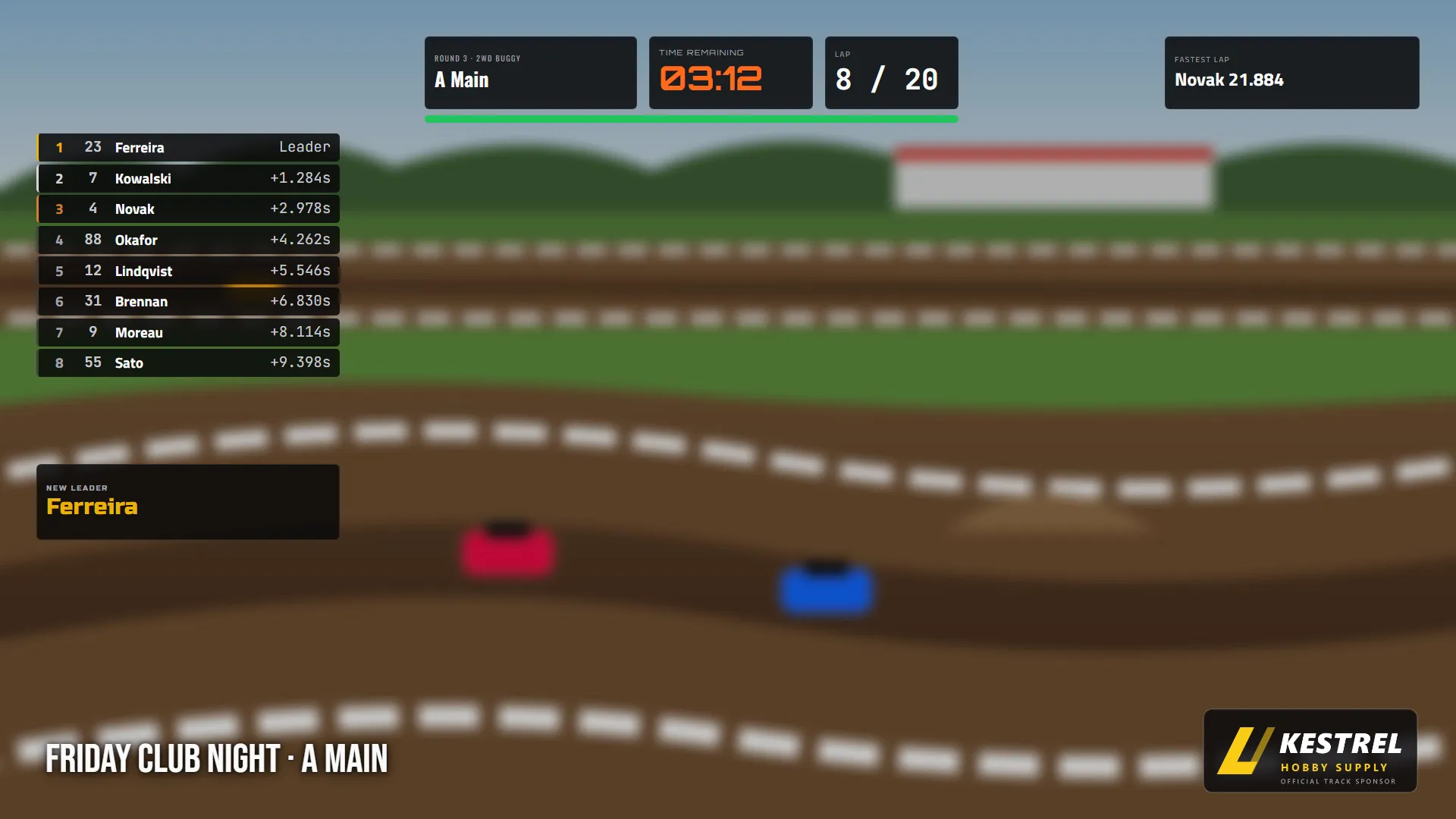
All overlays render on transparent backgrounds. Just paste the URL into OBS as a Browser Source.
Position Tower
Vertical position list for the side of the stream.
Lower Third
Horizontal bar across the bottom of the stream.
Ticker
Scrolling single-line ticker.
Minimal
Compact clock and status box for a corner.
Cycle
Rotates between positions, lap times, and a race summary.
Starting Grid
The lineup, shown before a race starts.
Battle
Head-to-head view of the closest fight on track.
Race Card
The current and next race with the driver lineup.
Facility
Fills a pit or lobby TV with the whole field.
Intermission
Between races: results and what is coming up.
Program
The full event schedule with every heat.
Podium
Top three with gold, silver, and bronze at the end of a race.
TVs and Overlays
The same look on the TV and the stream
Every display page and overlay shares one design, and two link options fit it to the room.
One look on every screen
The scoreboard, the facility TV page, and every OBS overlay share one set of colours and fonts, so the stream matches the TV in the pits.
Readable across the pits
Strong contrast and large numbers that stay legible from the far side of the pit area.
Light theme for bright rooms
Add ?theme=light to any display link for a projector or a sunny clubhouse.
Scale for a big TV
Add ?scale=1.5 to enlarge a page on a big TV without changing any settings.
Smooth race clocks
Race clocks run smoothly on every page and overlay.
The whole field on the TV
The facility TV page fills the screen with every car in the race.
Auto-Scene Switching
OBS scenes that change on their own
RaceLyx connects to OBS Studio via WebSocket and switches scenes based on what's happening on track.
Map each state to your own OBS scenes. RaceLyx handles the switching so you can focus on the racing.
Stream Features
Broadcast tools
Transparent Background Overlays
Every overlay renders on a transparent background. Add them as Browser Sources in OBS and they sit on top of your camera feed.
OBS Auto-Scene Switching
RaceLyx connects to OBS via WebSocket and automatically switches scenes based on race state: Idle > Practice > Race > Finished > Battle.
Automated Announcer
Voice race calls play through the PC audio, so OBS can capture them with the rest of the stream. Starts, position changes, and close battles are called automatically.
LAN Scoreboard Server
Port 8080 serves live results to any browser on your network. Point an OBS Browser Source at it for overlays.
YouTube & Twitch Embed
Show your stream on your track's RaceLyx page, next to the live timing and a chat.
TV Kiosk
Full-screen views that rotate every 15 seconds by default, for lobby displays and pit monitors. Pro plan and up.
Setup
Stream in three steps
Open OBS Studio
Start OBS and set up your camera scenes like normal.
Add Browser Source
Add a Browser Source in OBS pointed at your RaceLyx scoreboard URL (for example http://localhost:8080/overlay/position-tower). The overlay renders on a transparent background.
Enable auto-switching
In RaceLyx Settings > OBS, enter your OBS WebSocket address and map race states to scene names. Scenes then switch automatically.
Stream your next race night
Download RaceLyx and start streaming your races. All 12 overlay themes come with every paid plan, no separate license.
Windows 10 or newer, 64-bit