The Rally Rules Flyer turns your rules into a poster for the pits or your club page. Edit each section, preview it, and print or download it.
Before you start
- Nothing.
Step by step
- 1
Open the flyer
Open Displays, Print, then Rally rules flyer.
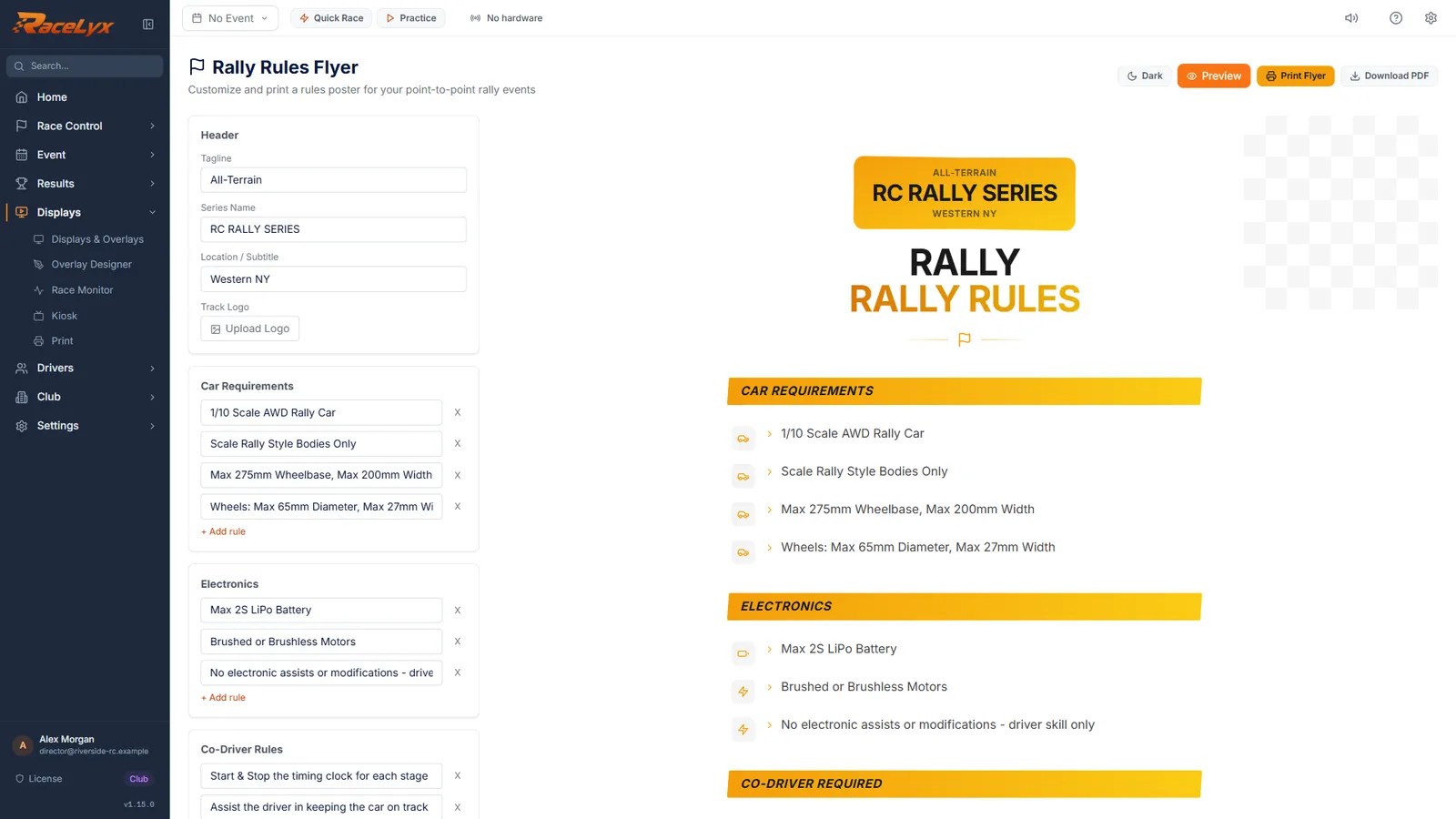
Rally Rules Flyer: "Customize and print a rules poster for your point-to-point rally events".
- 2
Edit the sections
Click Edit and fill in the header, then the rules.
Sections: Header, Car Requirements, Electronics, Co-Driver Rules, Points and Footer. "+ Add rule" adds a line.
- 3
Preview
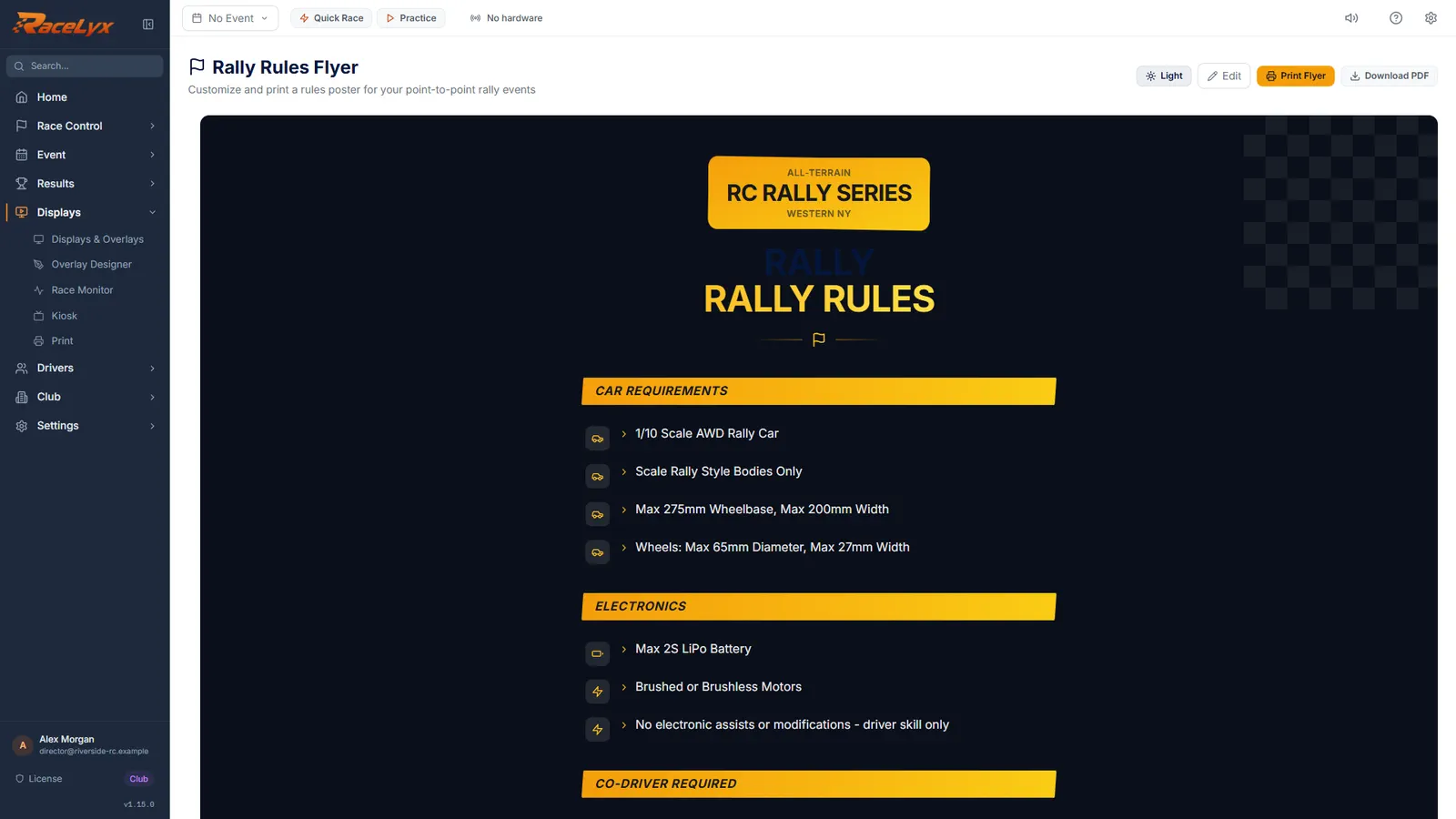
Click Preview to see the poster. Switch it between Light and Dark.
Light is best for printing. The theme button names the look it switches to: it says Dark while the poster is light.
- 4
Print or download
Click Print Flyer, or Download PDF.
Both include your logo.
Tips
- Light reads better printed; Dark looks good on screen.
- Print Flyer and Download PDF both include your logo.
- The footer says "Timed with RaceLyx".
Troubleshooting
- The logo looks blurry.
- Upload a larger PNG or JPG with Change Logo.
Related guides
Something here does not match what you see? Tell us and we will fix the guide.