Once a session is published, anyone can download it from your results page on live.racelyx.com, from any computer, with no sign-in. Use it to keep your own numbers in a spreadsheet, to send results to a series organiser, or to run your own analysis. Publishing needs RaceLyx Cloud on your plan.
Before you start
- The session published from RaceLyx (Results, Publish) so it is on your results page.
Step by step
- 1
Open a session
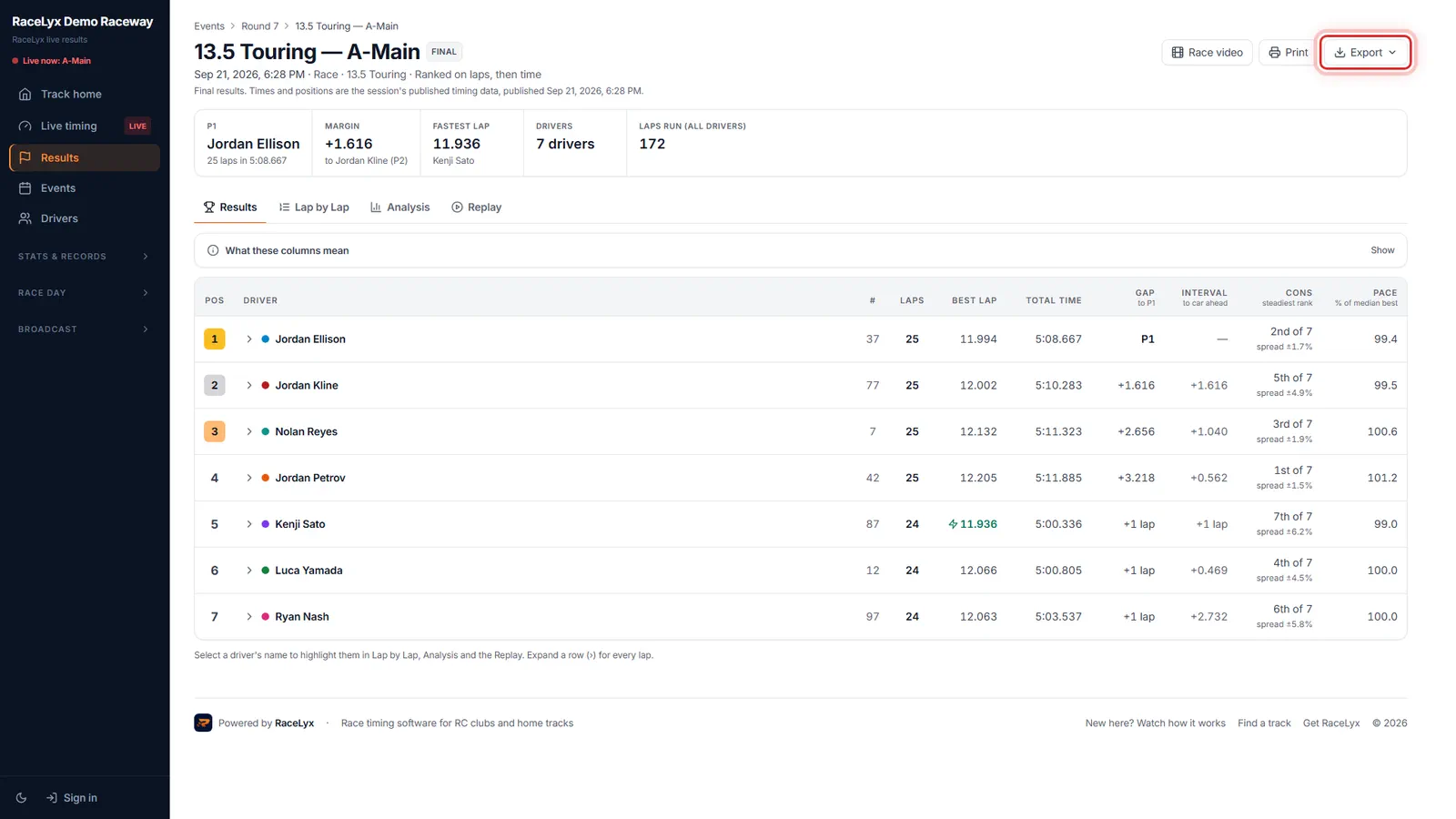
On your results page, open the session you want. Every published session can be downloaded, by you or anyone else.
Your results page is live.racelyx.com/results/<your track>, or your own subdomain. This one is the demo track.
- 2
Export
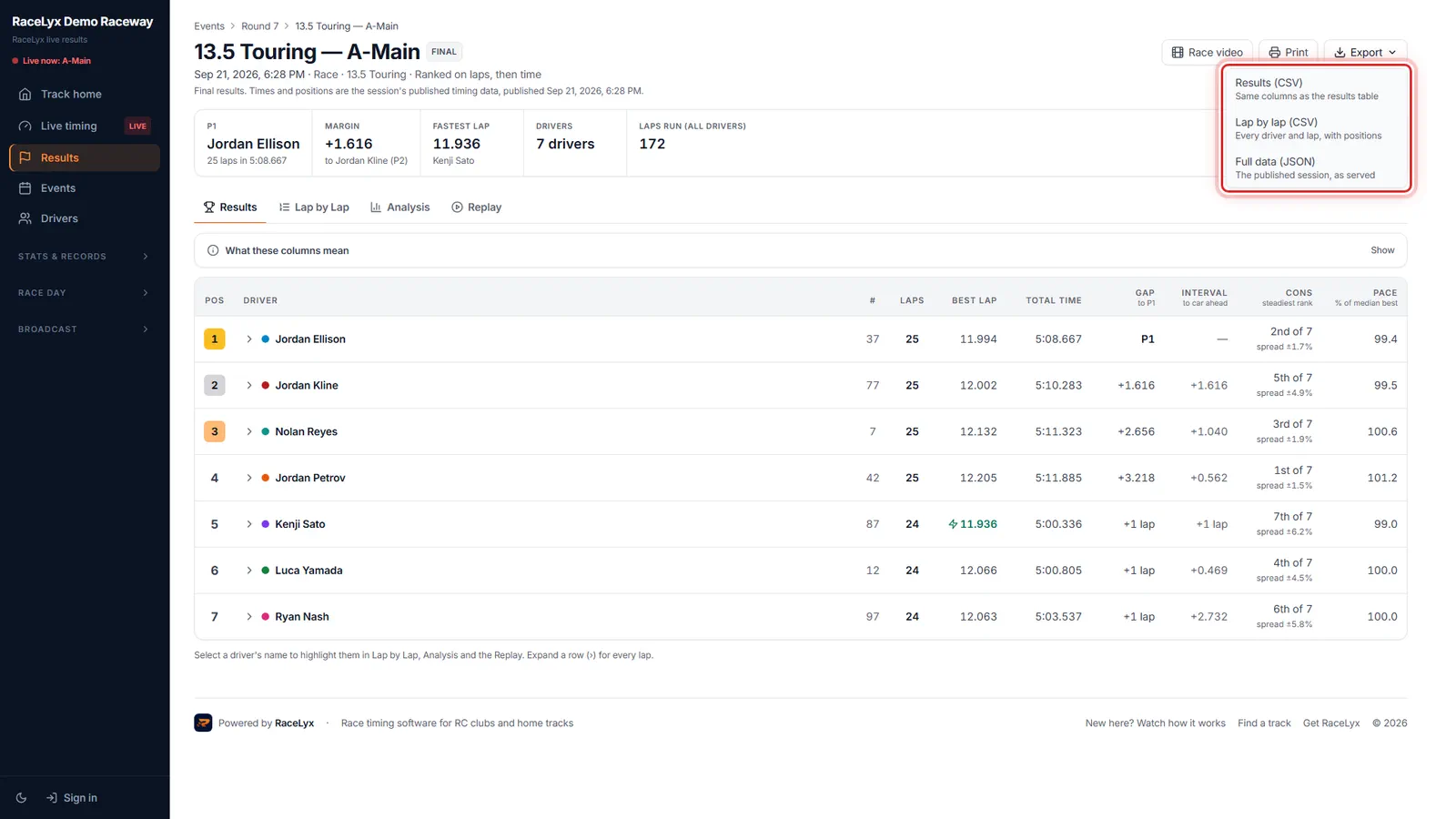
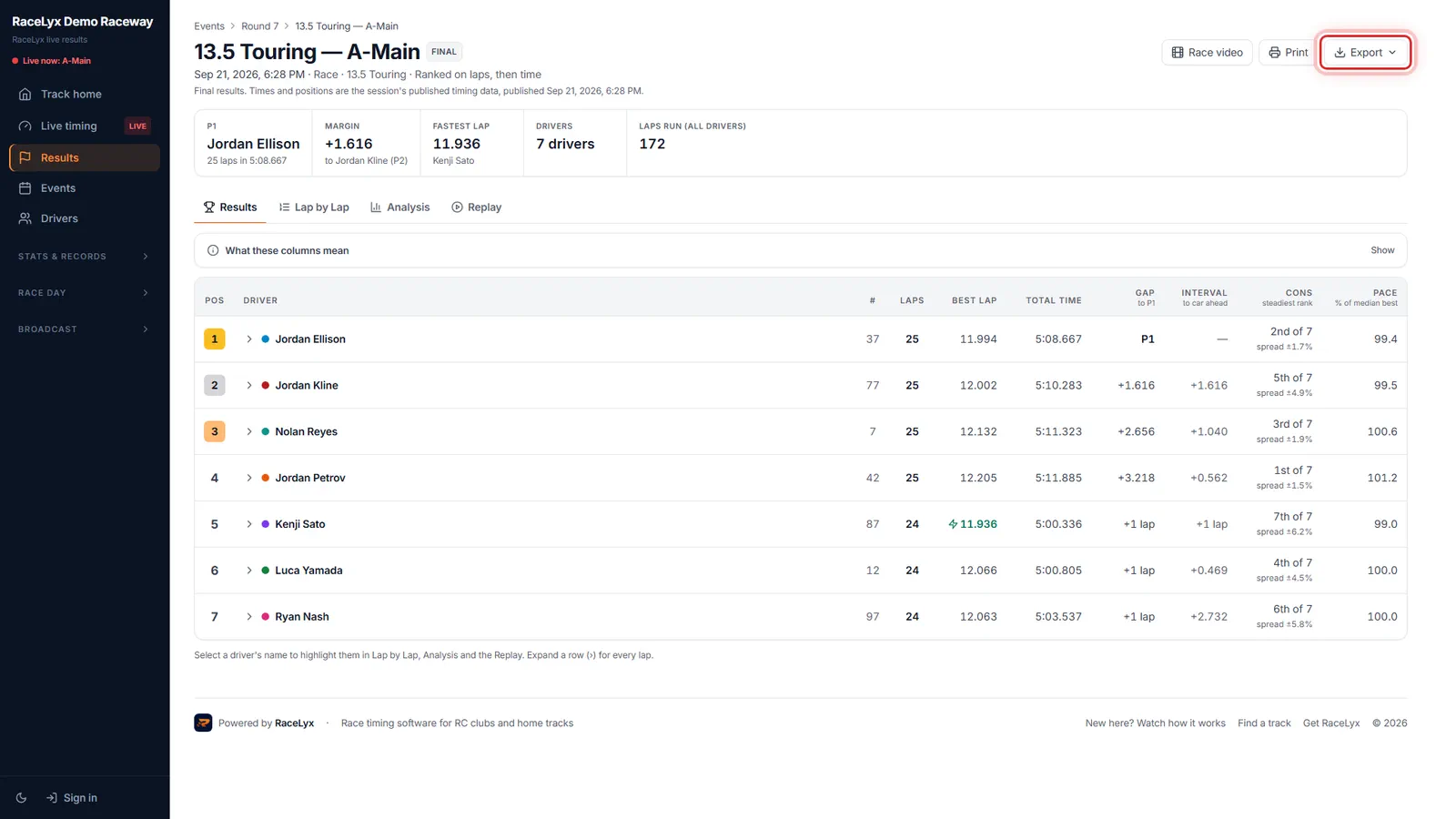
Click Export. Results as a CSV, every lap as a CSV, or the full data as JSON.
Results (CSV): the same columns as the results table. Lap by lap (CSV): every driver and lap, with positions. Full data (JSON): the published session, as served.
- 3
Results (CSV)
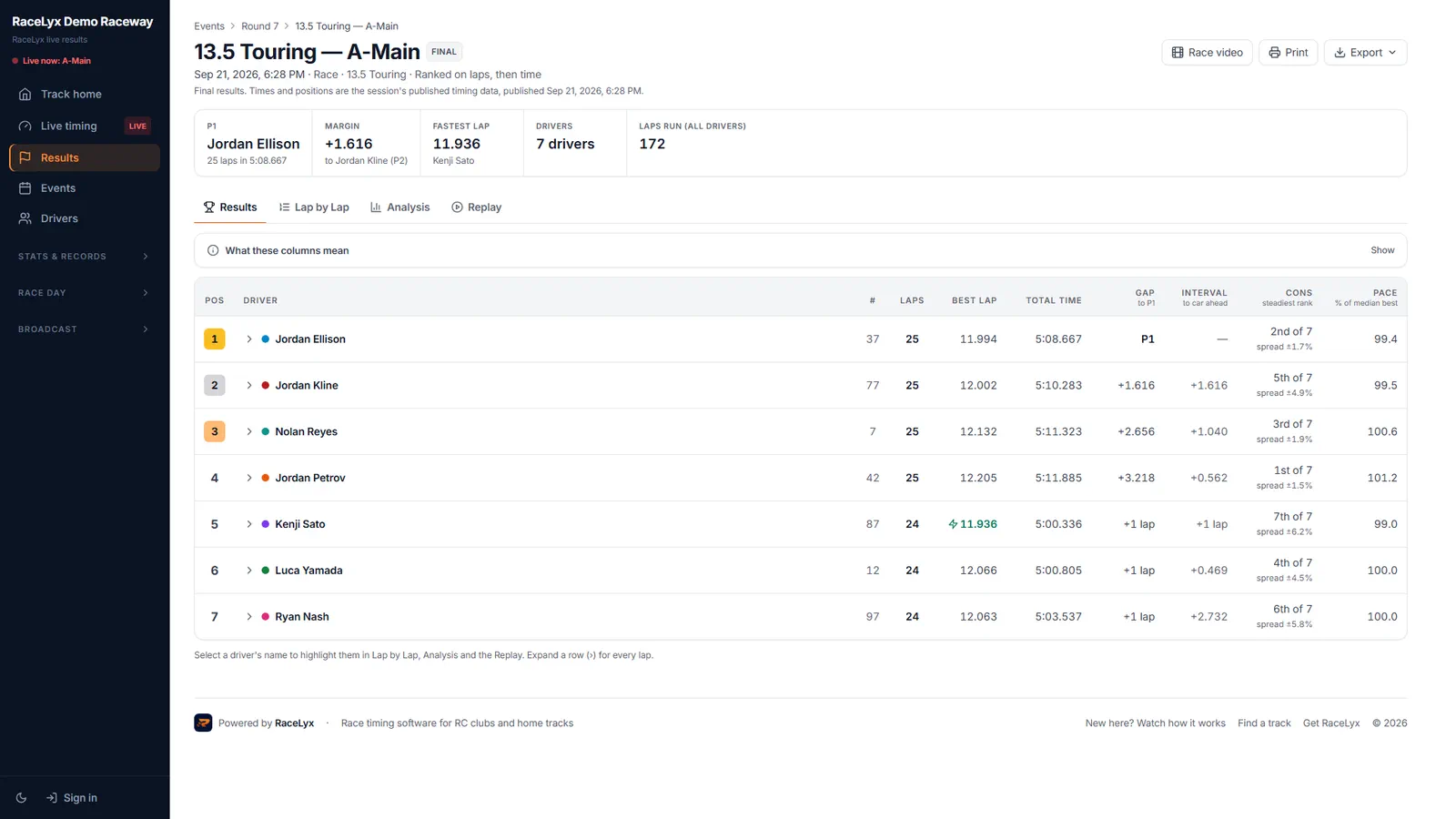
Results CSV opens in Excel, Google Sheets or Numbers, one row a driver.
The file is named after the session, ending -results.csv.
- 4
Lap by lap (CSV)
Lap by lap gives you every lap of every driver, the place to start for your own charts.
The file ends -lap-by-lap.csv. Pick a class above the table first and the export follows it.
Tips
- Results (CSV) has the same columns as the results table on the page.
- Lap by lap (CSV) has every driver and every lap with positions, ready for a chart. It only shows for a session with laps (not a rally).
- Full data (JSON) is the published session exactly as the website serves it, for your own code.
- Pick a class first if the session has more than one: the CSV and JSON follow the class filter.
- To export from the desktop app instead (without publishing), use Results, History in RaceLyx.
Troubleshooting
- There is no Export button.
- Open the session itself (click its row on the Results page). The Export menu is next to Print, above the results.
- There is no Lap by lap (CSV).
- That session has no lap times (a rally, or a session nobody ran). Results (CSV) and Full data (JSON) are still there.
Related guides
Something here does not match what you see? Tell us and we will fix the guide.