A track-owned car can be lent like a transponder. While it is out, it sits in the driver's garage with its transponder and class, so their laps count. When it comes back, note how it came back, and take a damaged car out of service until it is fixed.
Before you start
- RaceLyx set up with a track and drivers.
Step by step
- 1
Open the Cars tab
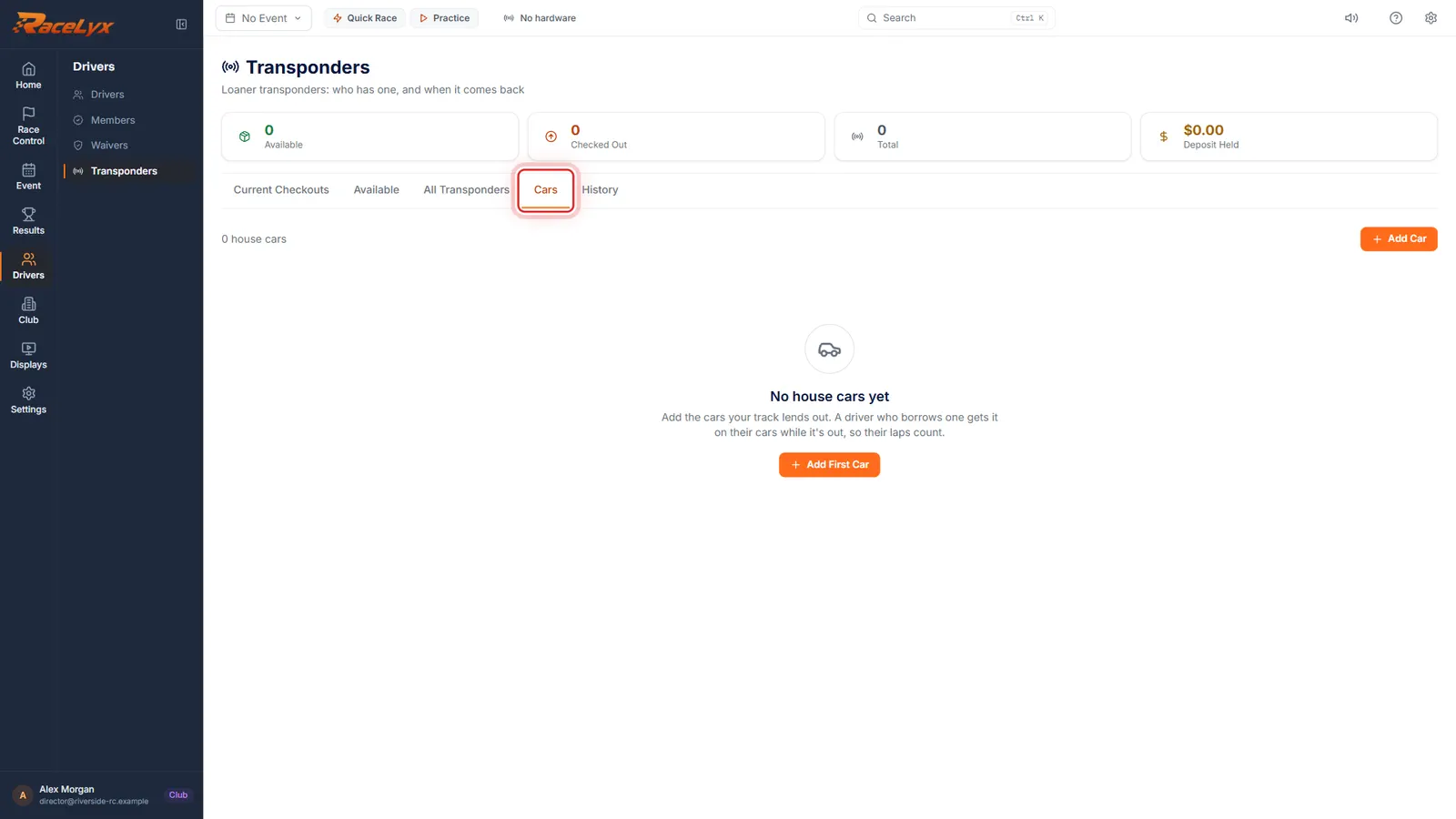
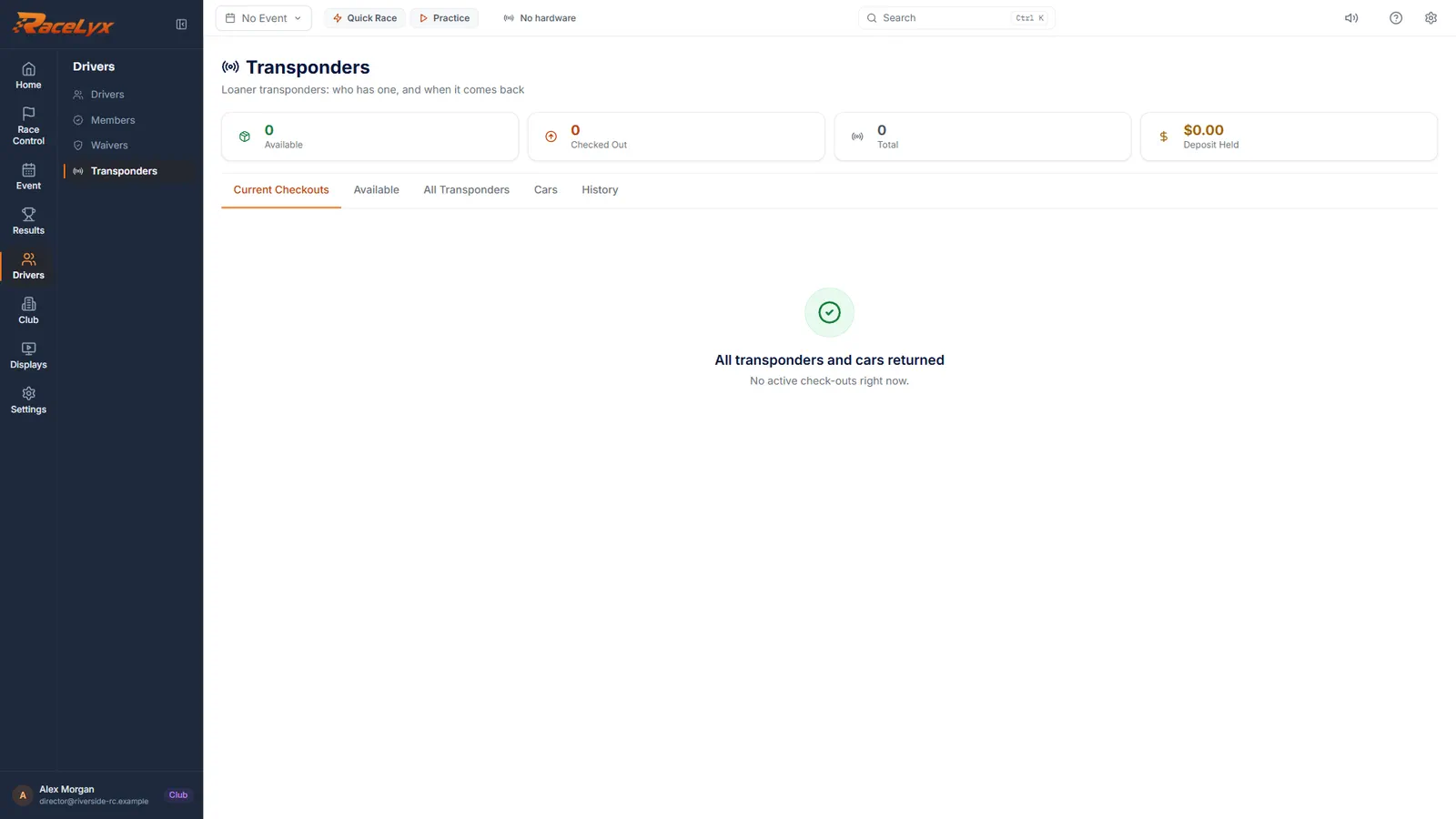
Open Drivers, Transponders, and click the Cars tab.
Transponders has Current Checkouts, Available, All Transponders, Cars and History.
- 2
Add a car
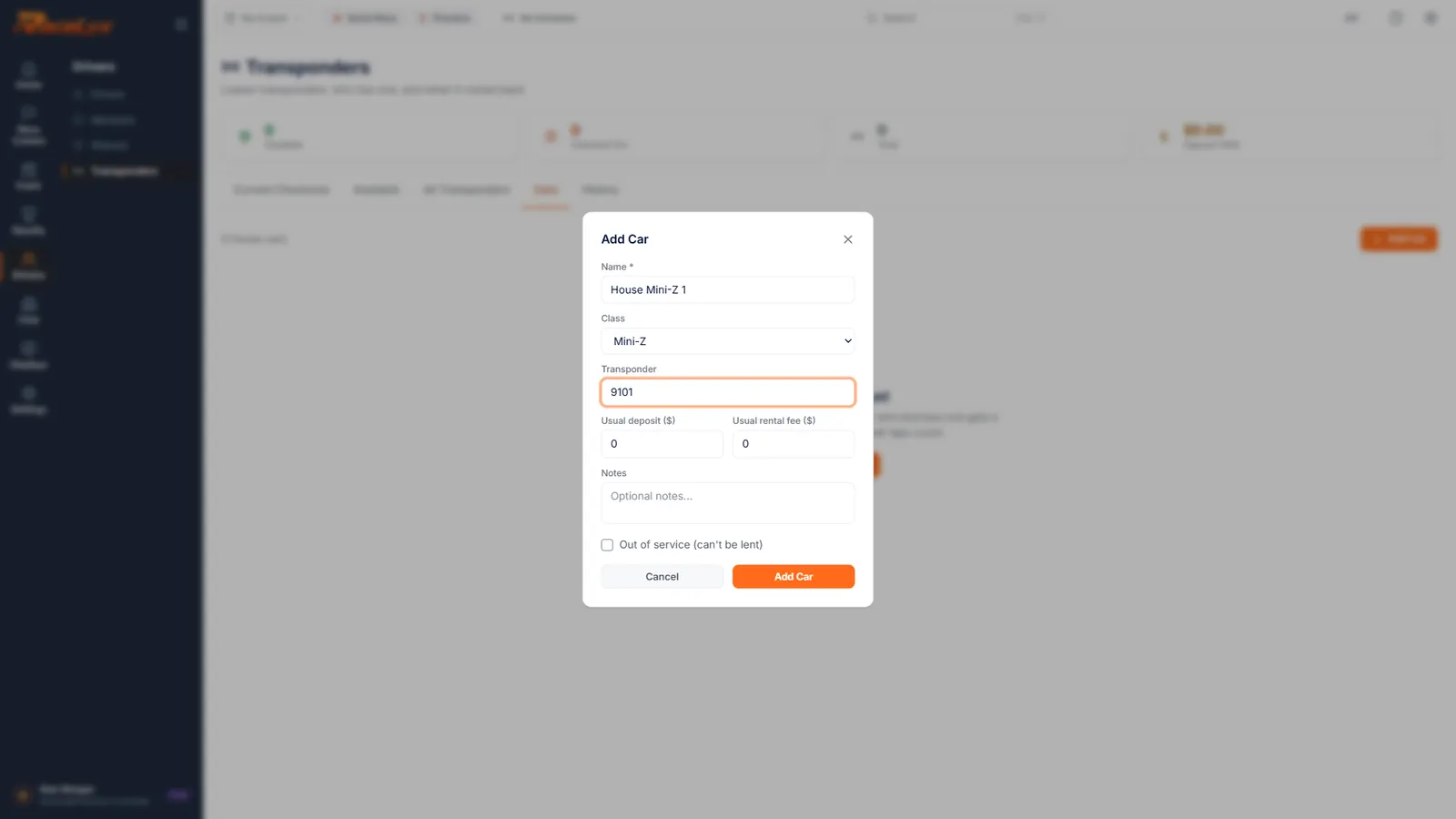
Click Add First Car. Give it a name, its class and its transponder.
Name is required. Class decides which races its laps count in. Transponder can be left blank to lend it with a house transponder. Notes is for anything the next borrower should know.
- 3
Deposit and rental fee
Set the usual deposit and rental fee, then click Add Car.
Usual deposit and Usual rental fee fill in each time you lend the car; you can change them per loan.
- 4
Lend it
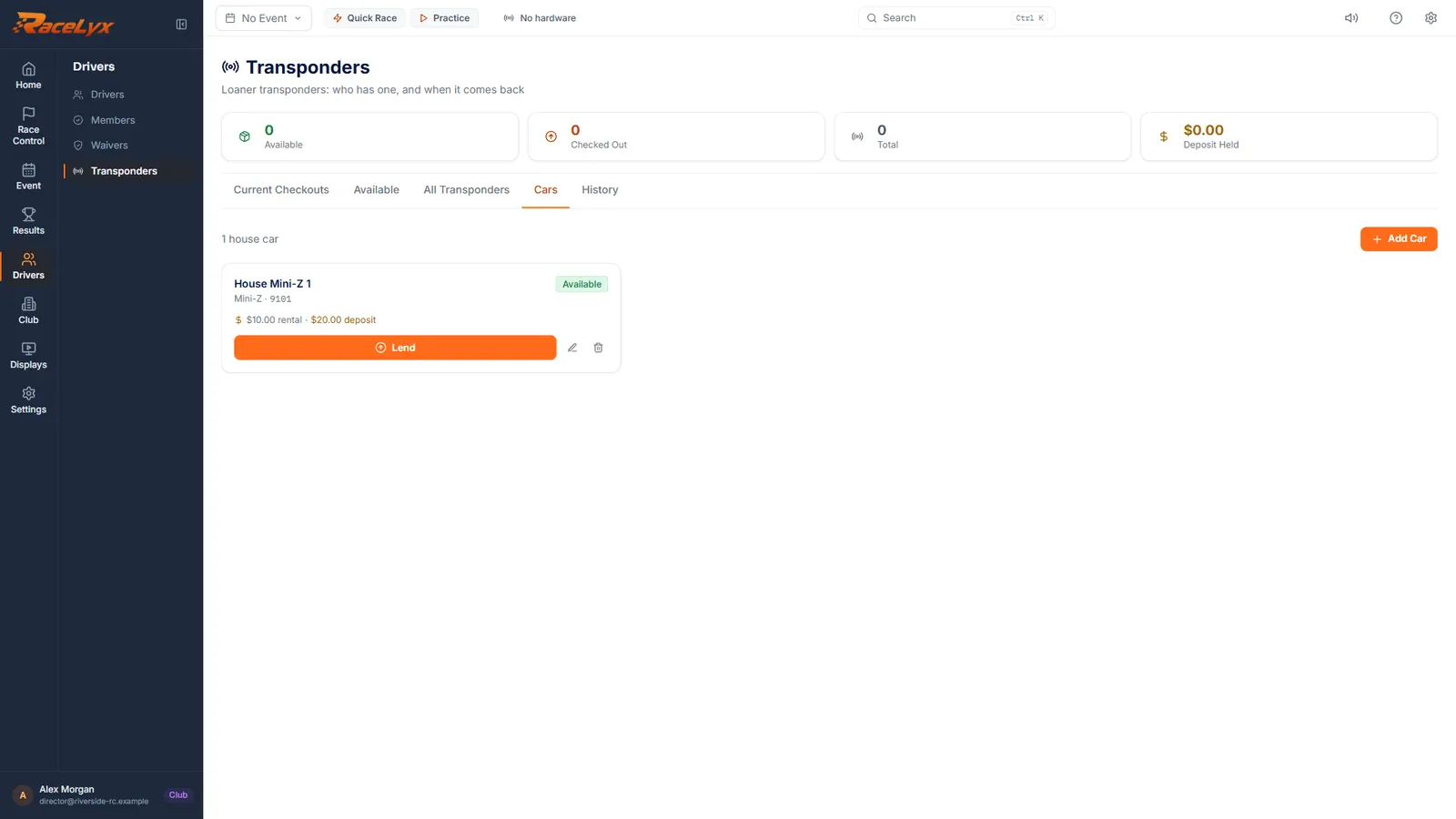
Click Lend, find the driver, check the deposit, and click Check Out.
Search by name, car number or code. Someone not on the roster lets you lend to a visitor. The deposit and rental fee are recorded with the loan.
- 5
The car is in their garage
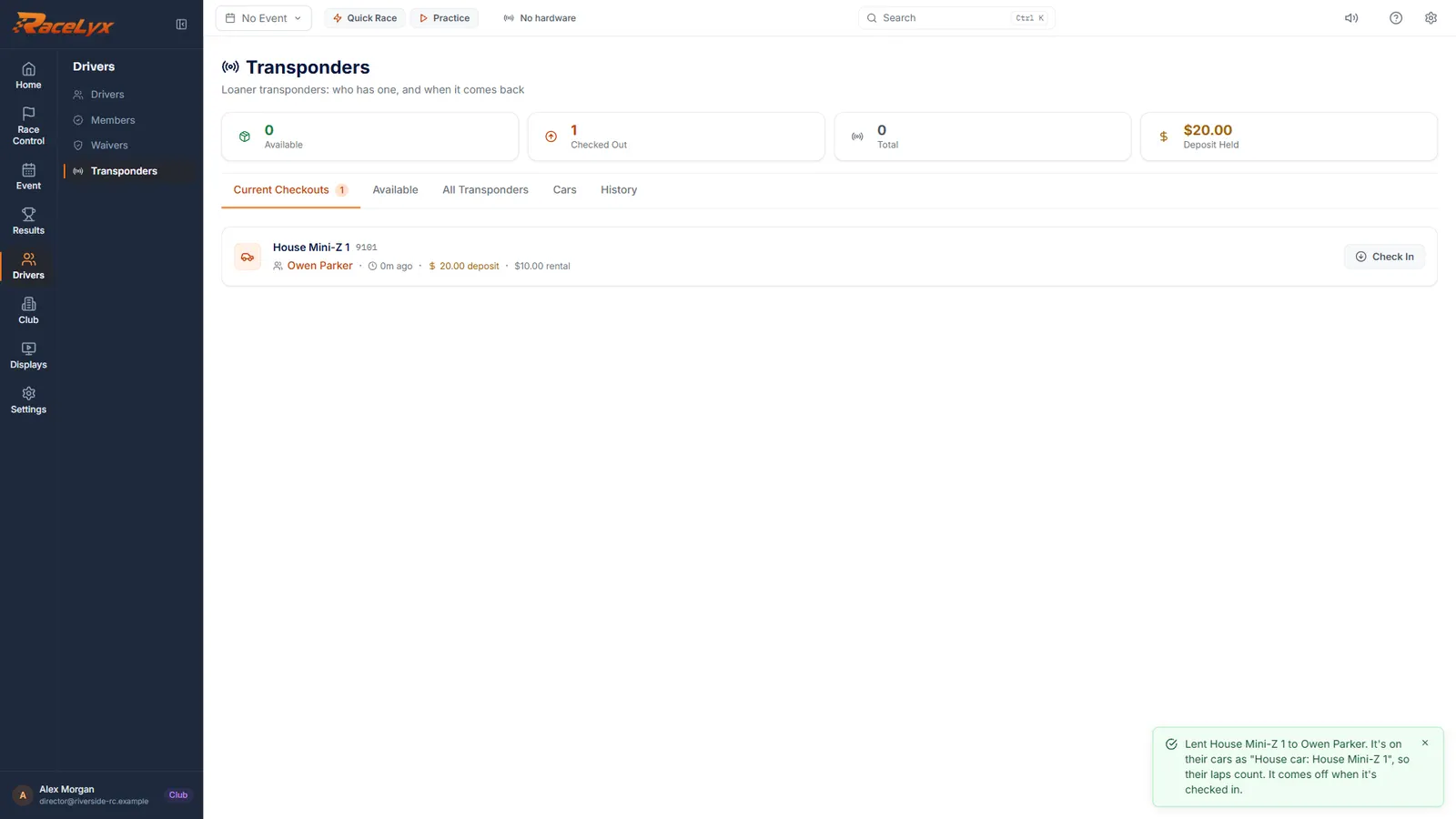
The car is now in Owen's garage with its transponder and class, so his laps count while it is out.
It shows on Current Checkouts with the driver, how long it has been out and the deposit held. On the driver card it reads House car: House Mini-Z 1.
- 6
Check it in
When it comes back, click Check In. Say how it came back, and whether you returned the deposit, then Confirm Check In.
Tick It came back damaged to take the car out of service until it is fixed. The car comes off the driver's garage when it is checked in.
Tips
- Leave the car's transponder blank to lend it with a house transponder from the same page.
- Set the usual deposit and rental fee on the car, and they fill in each time you lend it.
- Someone not on the roster can borrow a car too: their name opens a driver card once they are added.
Troubleshooting
- The car's laps show as an unknown transponder.
- The car was checked in, or its transponder field is blank. Check that it shows under Current Checkouts with the driver's name.
- Lend is greyed out.
- The car is out of service. Edit it and untick Out of service (can't be lent) once it is fixed.
Related guides
Something here does not match what you see? Tell us and we will fix the guide.