The Analysis tab in Results draws a lap chart and a consistency table for the heat in race control right now: running, or finished and not yet saved. Use it to spot a suspicious lap before you save, or to show a driver where they lose time.
Before you start
- A heat running, or finished and not saved yet.
Step by step
- 1
A heat on track
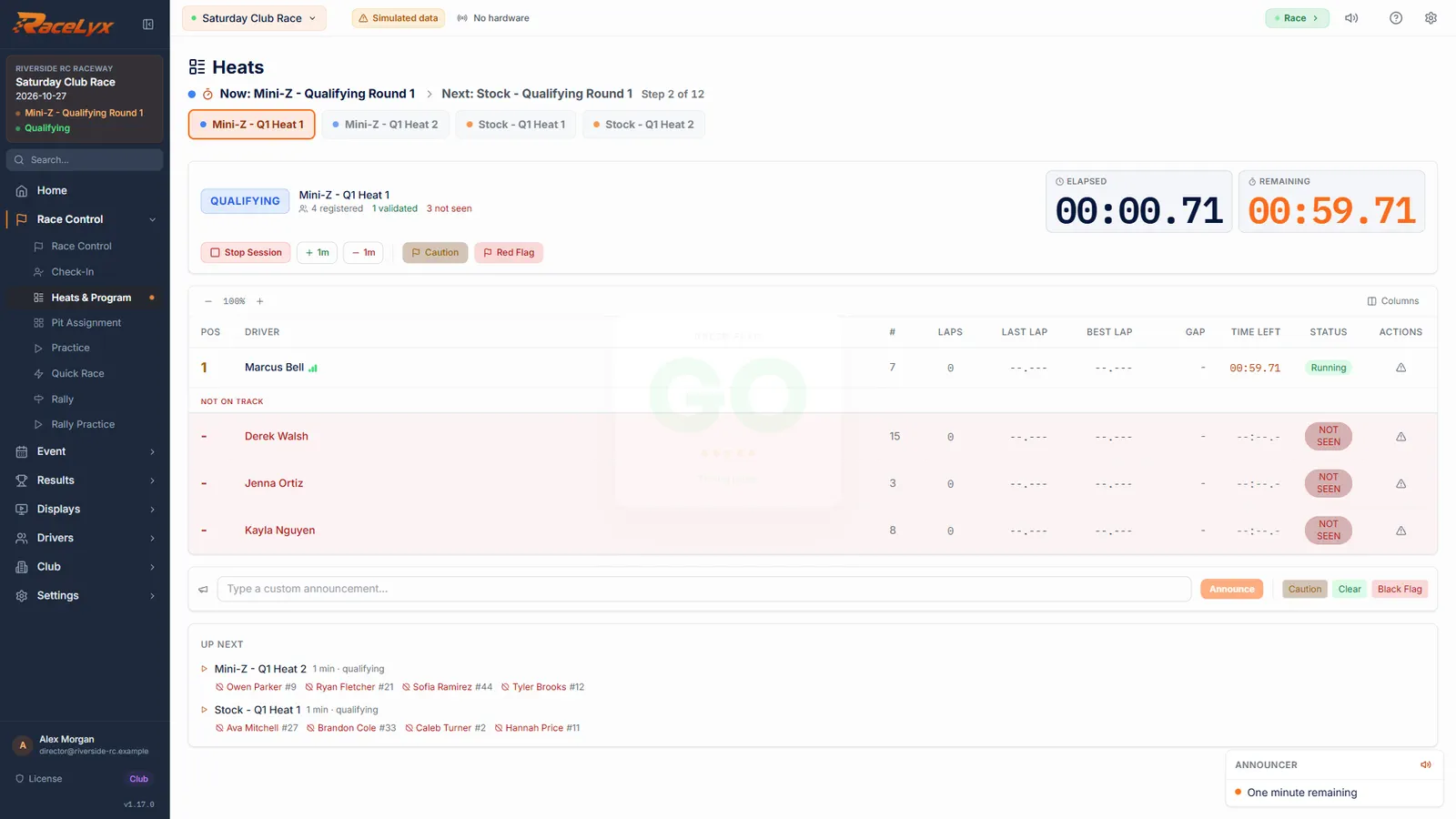
Start a heat, or finish one and leave it unsaved. Analysis works on that heat.
Stage the heat and click Start Race. Once it is saved, the heat leaves race control and Analysis has nothing to show.
- 2
Open the Analysis tab
Open Results, Recent Results, and click Analysis. The heat keeps running while you look.
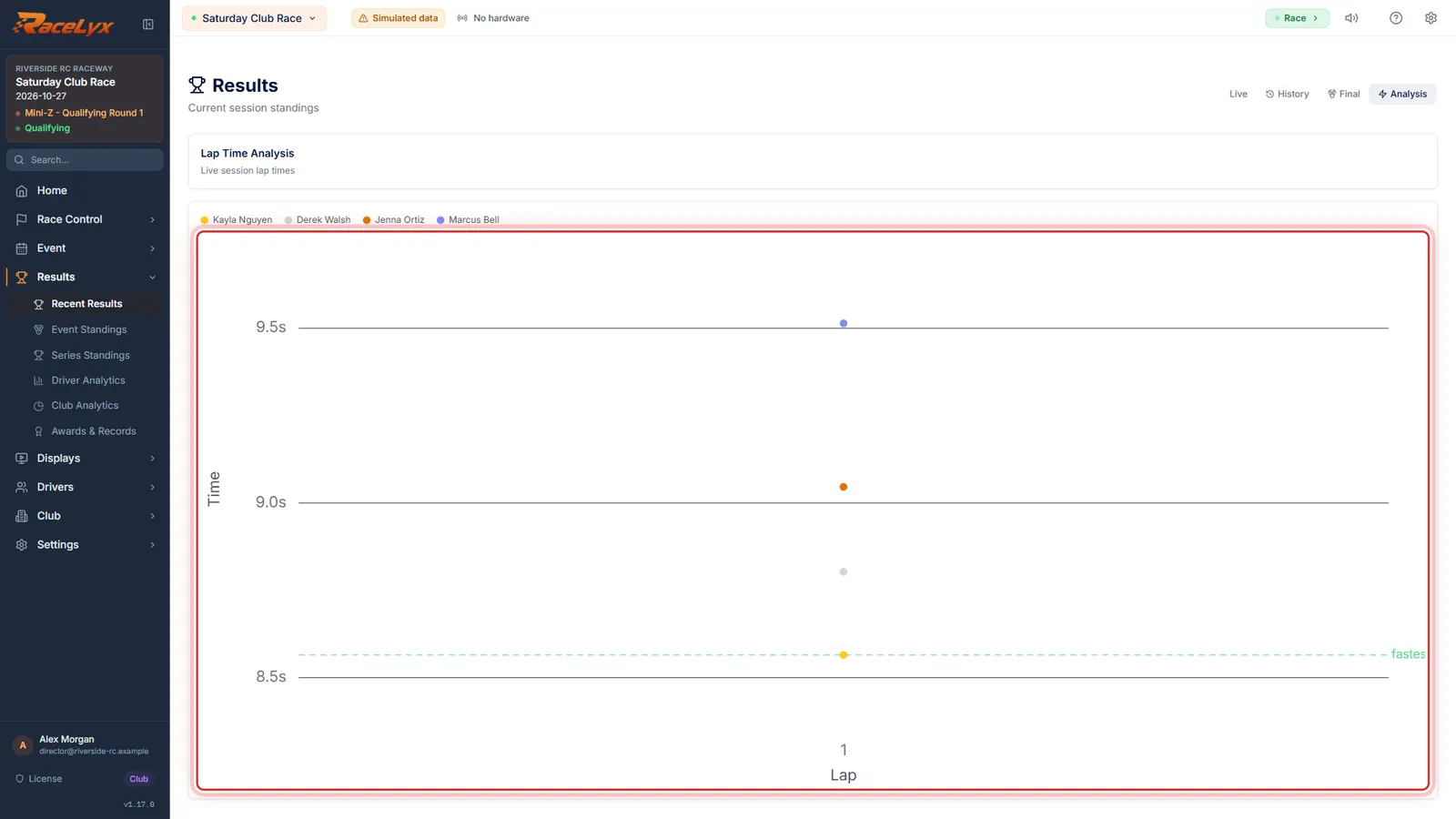
Results has four tabs: Live, History, Final and Analysis. Lap Time Analysis at the top says Live session lap times.
- 3
The lap chart
Each line is a driver, lap by lap. Hover a point for the exact time.
Lower is faster, and lines are coloured by position. A spike is a slow lap: a crash, a pit stop, or a missed read if it is about twice the driver's usual lap. Click a name in the legend to hide that driver.
- 4
Consistency
Below, each driver's laps, best, average and spread. Consistency turns that spread into a percentage.
Std Dev is how far a driver's laps stray from their average. Consistency is 100% for identical laps: 80% and up shows green, 60% yellow, 40% orange, and anything lower red.
Tips
- Analysis does not open saved sessions yet, although its message says to pick one from History. For a saved heat, use Compare under Merge / Compare Results, the Every lap export on the Final tab, or lap by lap on your public results page.
- Click a name in the chart's legend to hide or show that driver.
- Lap 1 of a race holds the start, so it is left out of Average, Std Dev and Consistency, but it still counts in Laps.
- A lap about twice as long as a driver's others is a missed read. Fix it before you save: see Missed reads and timing warnings.
Troubleshooting
- "No data to analyze".
- No heat is running or waiting to be saved. Analysis only works on the heat in race control; see the first tip for saved sessions.
- "Racers have no recorded laps yet."
- The heat has just started. The chart fills in as laps come in.
Related guides
Something here does not match what you see? Tell us and we will fix the guide.