Many clubs rate their drivers so new people race each other, not the fast regulars. RaceLyx keeps one level per driver: 1 for new, then 5, 10 and 15 for your most experienced. Heats can be grouped by it, and a class can be limited to some levels. A level is kept on this computer.
Before you start
- Your drivers on Drivers (added by hand, from a CSV, or from RC Scoring Pro).
Step by step
- 1
Find the driver
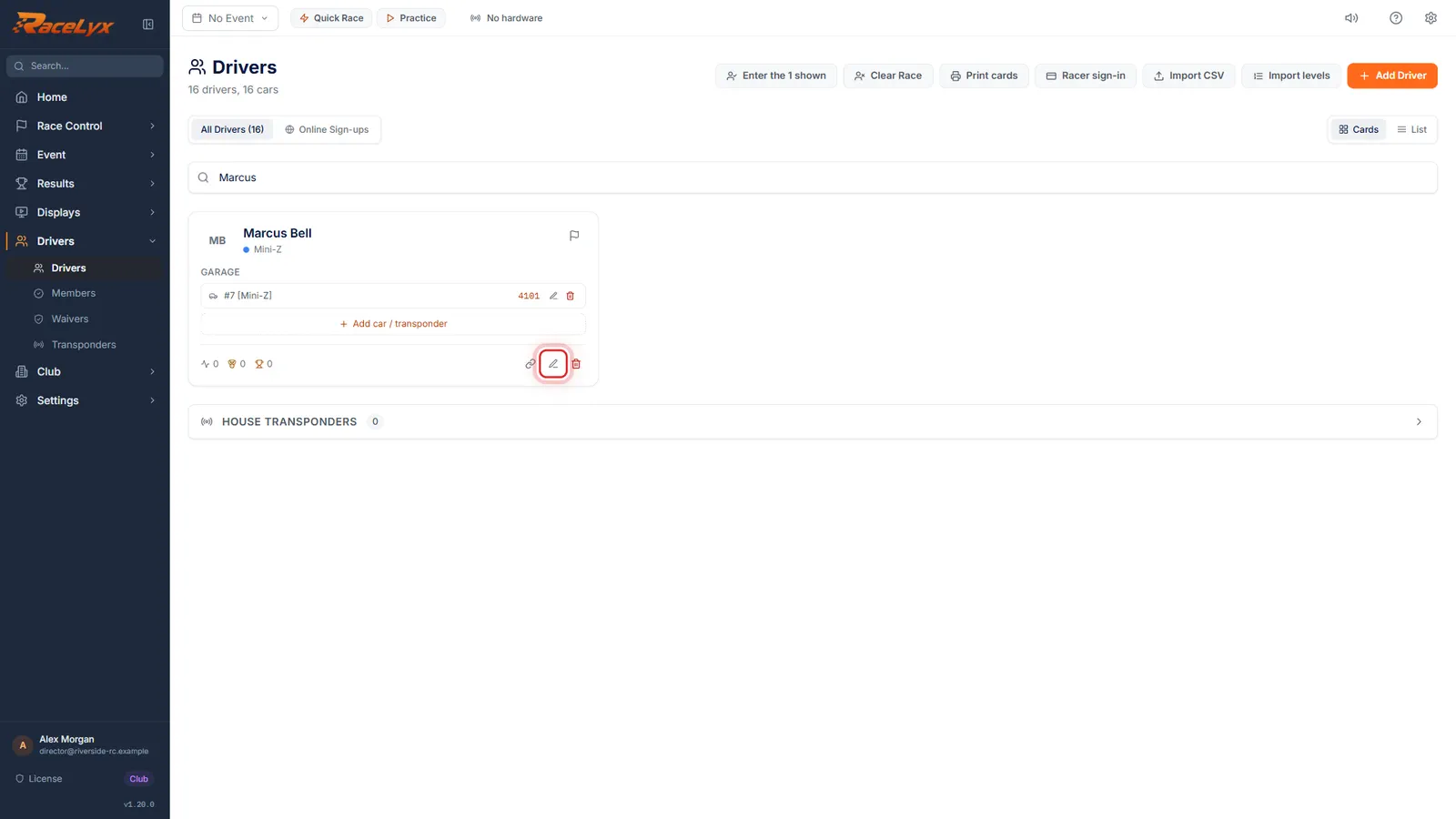
Open Drivers and find the driver. Click the pencil to edit them.
Type part of a name, a car number or a transponder in the search box. The pencil is Edit driver.
- 2
Level
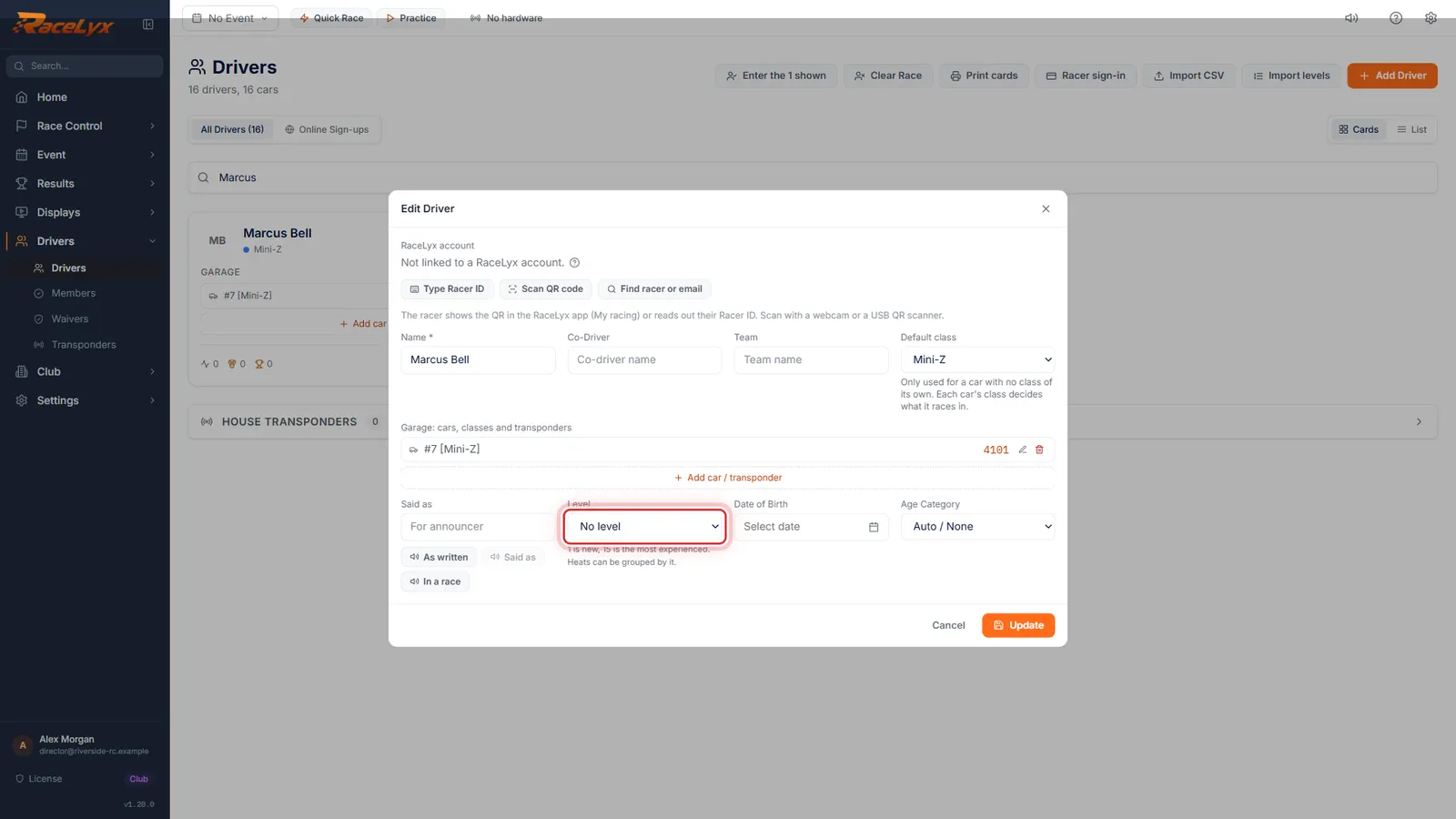
Click the pencil. Level has four steps: 1 for new drivers, 5, 10, and 15 for your most experienced.
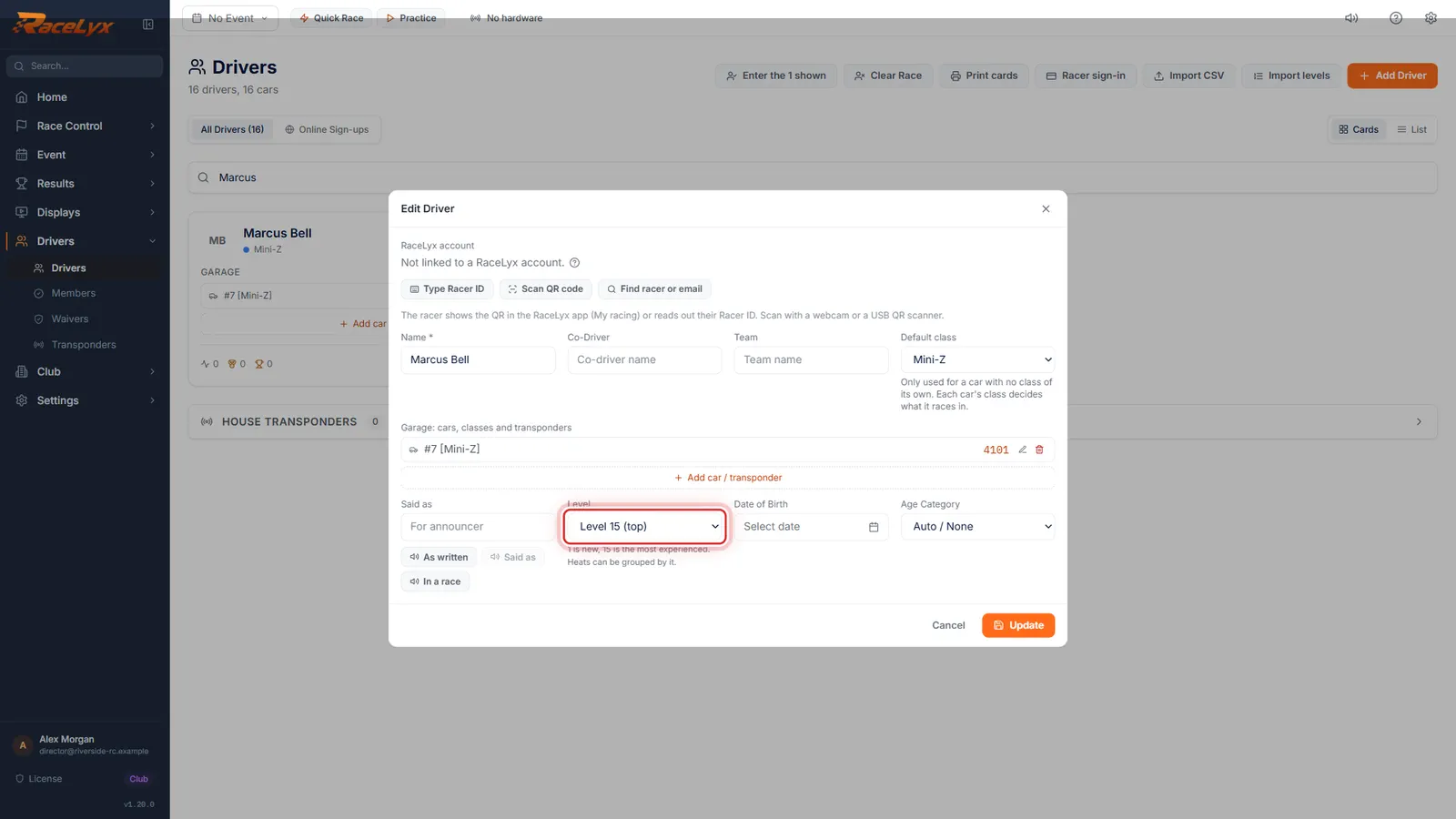
The choices are No level, Level 1 (new), Level 5, Level 10 and Level 15 (top). The hint says it: 1 is new, 15 is the most experienced, and heats can be grouped by it.
- 3
Pick the level
Pick their level. Marcus is one of the club's fastest, so Level 15.
Use the same numbers your club already uses. A driver moves up when the race director says so: change it here any time.
- 4
Click Update
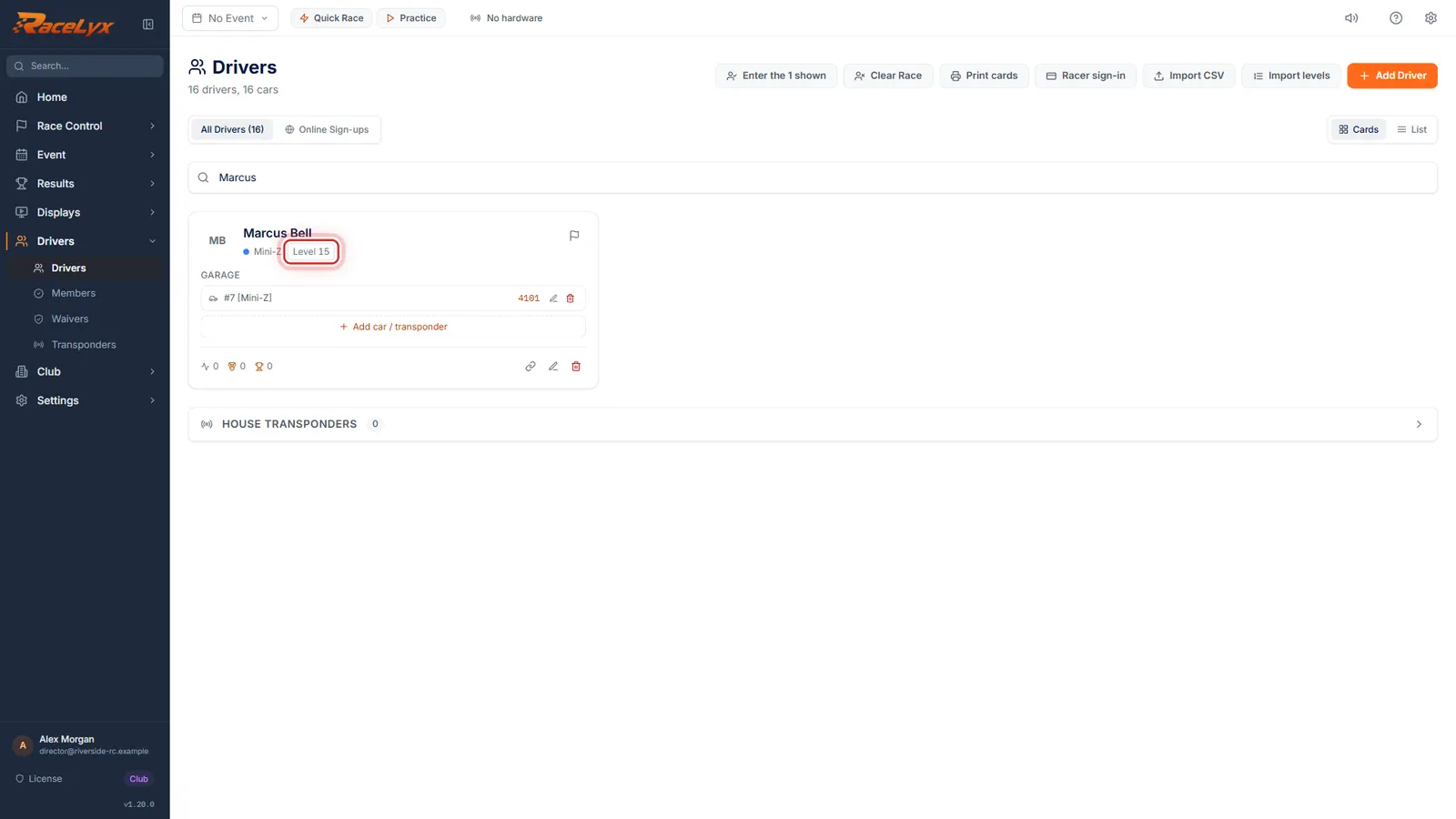
Click Update. The level shows next to their name on Drivers.
The level chip reads Level 15. Drivers with no level show no chip.
Tips
- Got a whole member list with ratings in Excel? Import levels sets everyone at once (see Import levels from your member list).
- A new driver at the desk can get a level on their Check-In card: the Level box is at the top of the card.
- No level counts as level 1 when heats are drawn and when a class checks levels.
- The level is on the driver's profile too. Hover their name and click the pencil to change it there.
Troubleshooting
- There is no Level box.
- Levels came in RaceLyx 1.20.0. Update RaceLyx under Settings, Data & System.
- The level was not saved.
- The message names the problem. Open the driver again, set the level, and click Update.
Related guides
Something here does not match what you see? Tell us and we will fix the guide.