RaceLyx saves files in two ways. Most Export CSV buttons (Financials, Members, Waivers, Volunteers, Track Time and a single session on Results) save straight to your Windows Downloads folder, with no Save window. The whole-event spreadsheets on Results, the flyers and Backup Database open a Save window, so the file goes wherever you pick.
Before you start
- Nothing.
Step by step
- 1
Export CSV goes to Downloads
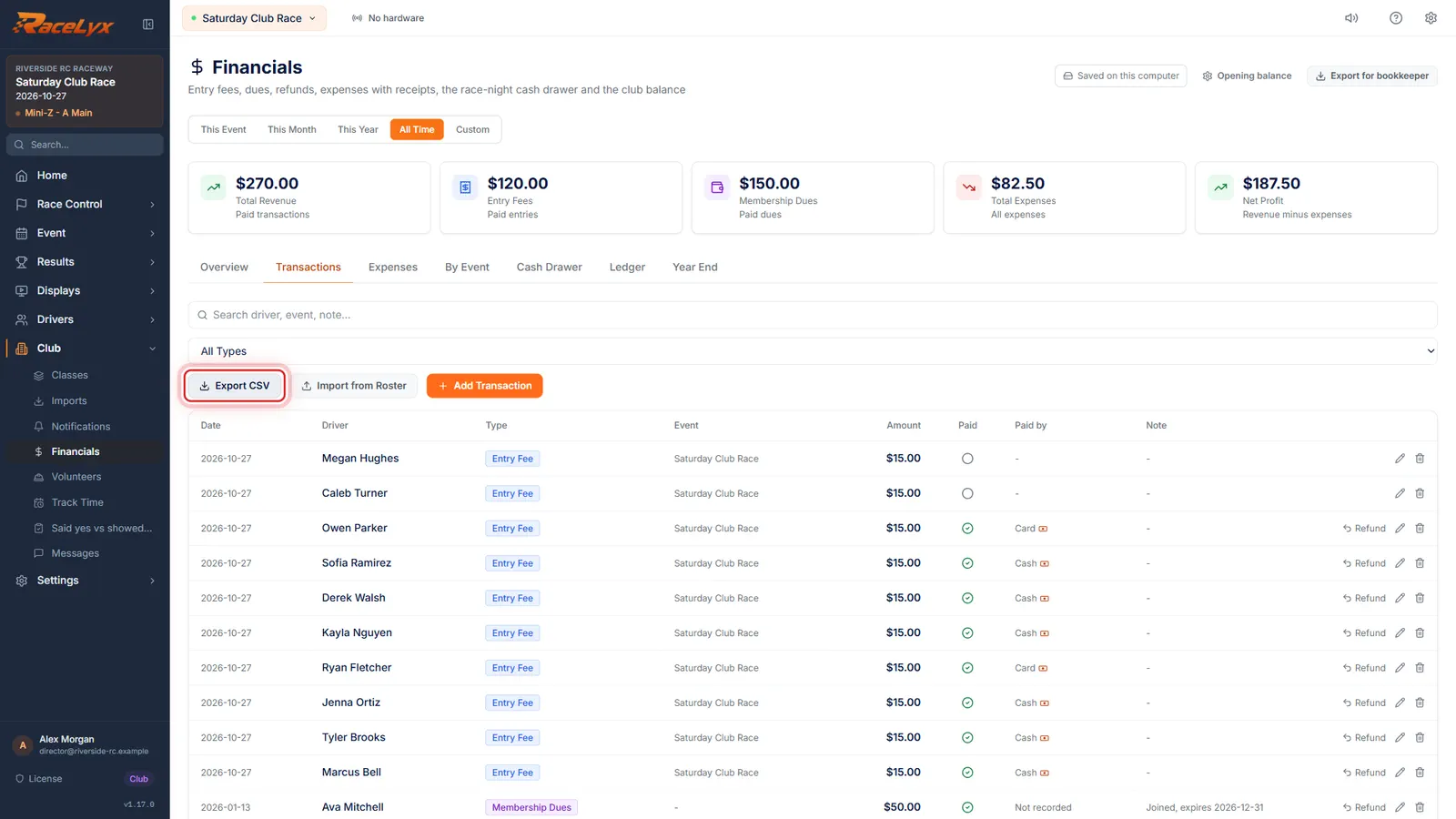
On Financials, Transactions, click Export CSV. Nothing pops up: the file is already in your Downloads folder.
Export CSV saves transactions_ with today's date, .csv, straight to your Windows Downloads folder. Members, Waivers, Volunteers, Track Time and a single session's CSV on Results work the same way.
- 2
Some buttons name the file
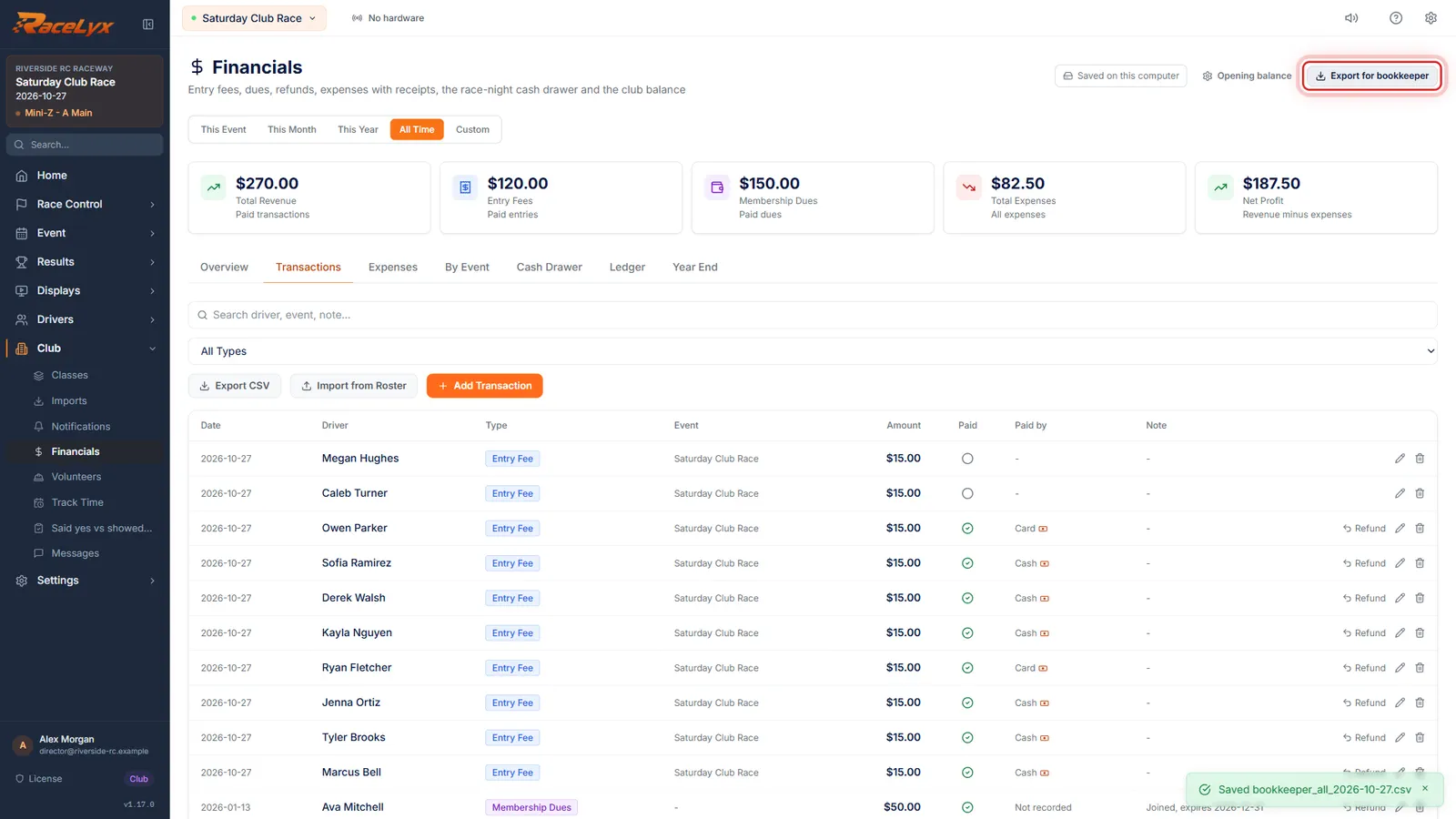
Export for bookkeeper names the file in a toast. It is in Downloads too.
Click Export for bookkeeper in the header. The toast says Saved and the file name, starting bookkeeper_ with the period and today's date. Export ledger CSV and Export summary CSV on Year End do the same.
- 3
Event exports ask where to save
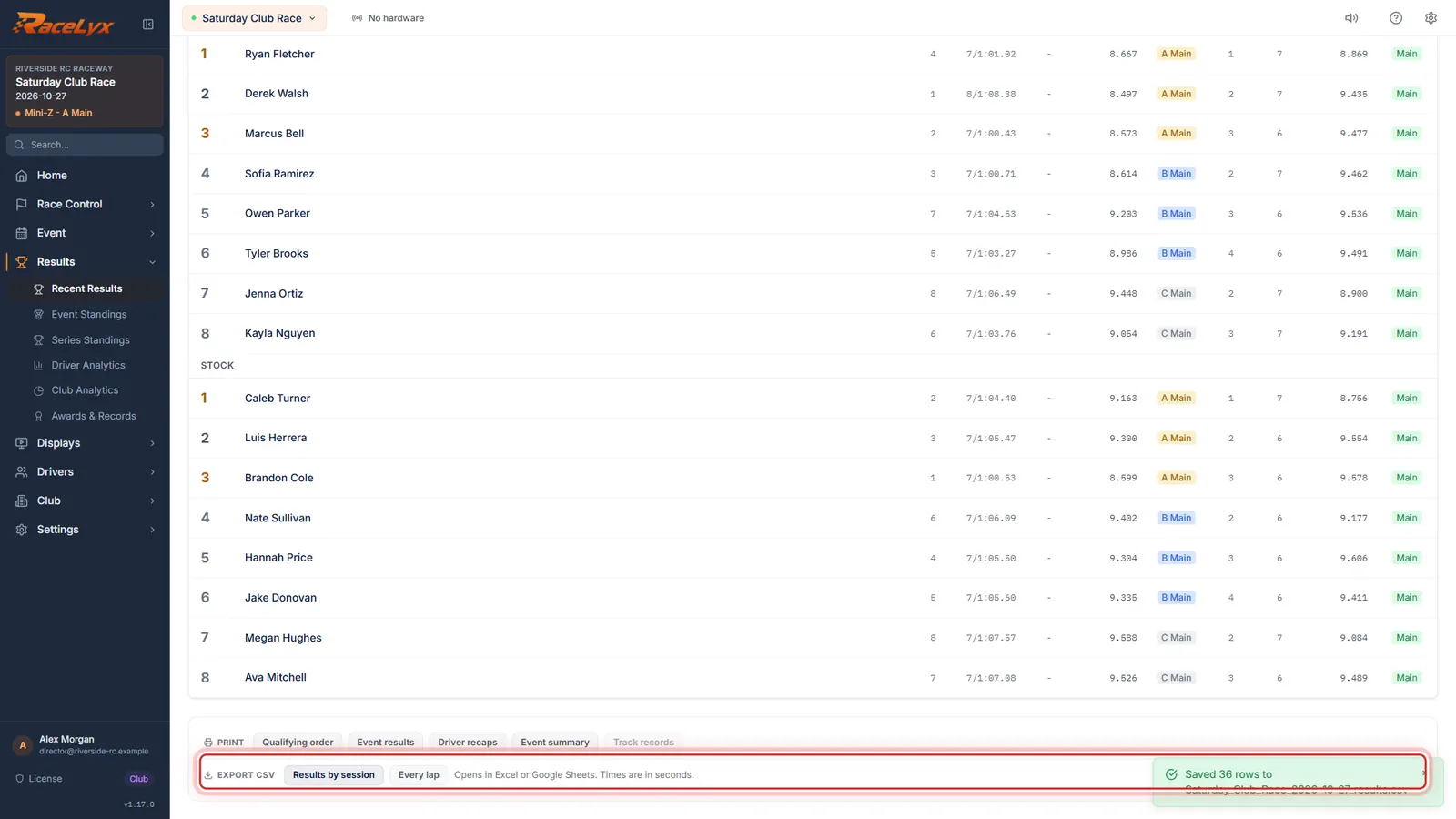
On Results, Results by session and Every lap open a Save window, so the file goes where you pick. The toast says which file.
Open Results, Recent Results, the Final tab, and click Compute Results. Under Export CSV, pick a folder you will find again, like Documents or a USB stick. The toast says how many rows were saved, and to which file. Backup Database and the flyers also ask where to save.
- 4
Find it in File Explorer
To find a download, open File Explorer and click Downloads. Sort by Date modified, and the newest file is on top.
Press the Windows key and E to open File Explorer. Downloads is in the left column. Double-click a CSV to open it in Excel, or upload it to Google Sheets.
Tips
- Open File Explorer and click Downloads. Sort by Date modified to put the newest file on top.
- Files are named for what they hold and the day, like transactions_2026-10-26.csv or club_ledger_2026-10-26.csv. Search Downloads for the first word.
- Export for bookkeeper, Export ledger CSV and Export summary CSV name the file in a toast: Saved, then the file name.
- Results by session and Every lap on Results ask where to save, and the toast says how many rows went to which file.
- Print opens the print window. Pick Microsoft Print to PDF there to save a PDF, and choose the folder.
- CSV files open in Excel or Google Sheets.
Troubleshooting
- I clicked Export CSV and nothing happened.
- It did save: most Export CSV buttons show no window or message. Look in Downloads.
- I can't find a backup I made.
- Backup Database saves where you picked in the Save window; it suggests the database folder. Automatic backups are in the backups folder, listed under Auto-Backup on Settings, Data & System.
- The file is not in Downloads.
- It was an export with a Save window, so it is where you picked. Export it again and note the folder, or search the PC for the file name.
Related guides
Something here does not match what you see? Tell us and we will fix the guide.